
ACCOUNT HUB BLOG
Published:
Calendar · Google Calendar · Multiple accounts · MCP · ChatGPT · Claude
Find meeting times with a user-defined travel buffer
Written by the AccountHub team.
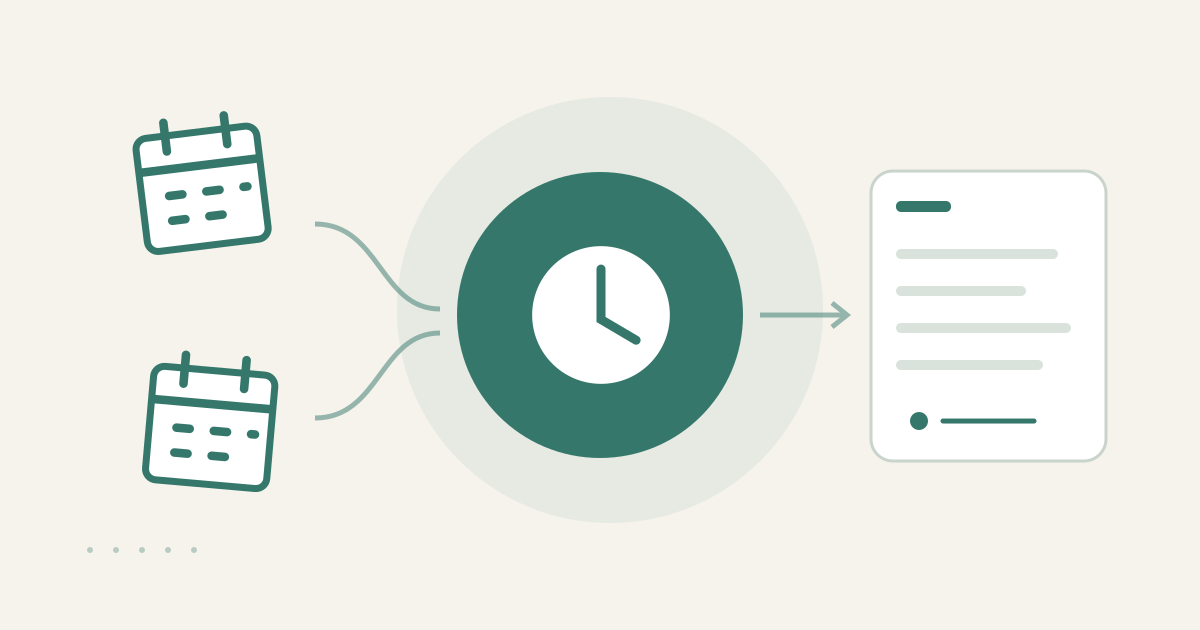
With AccountHub, one request can read your calendars and list meeting times that leave the travel buffer you specify before and after the meeting.
The problem
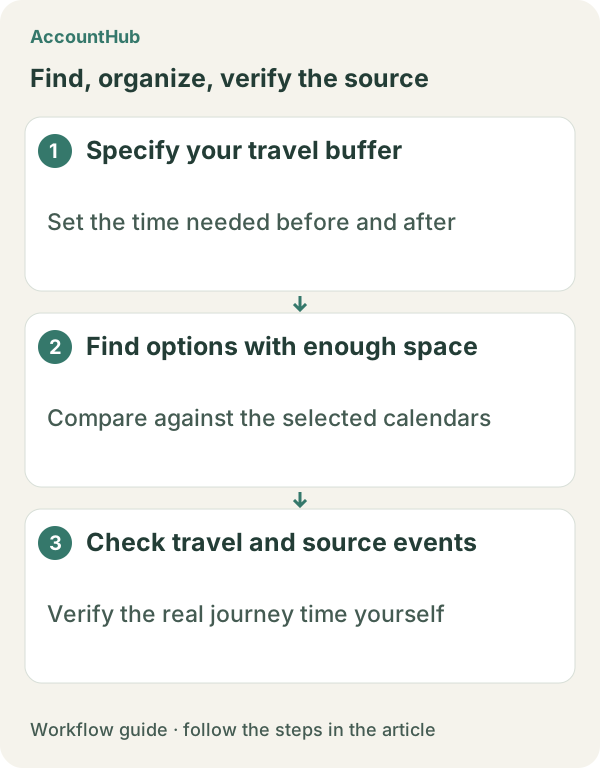
A 30-minute gap between events may not be enough to move, pack up or get ready. Looking only for calendar free time can create a meeting that starts before you can arrive or ends too close to the next event. You choose the required buffer and state it in the request.
When native tools are enough
If one calendar contains the events and you can inspect the gaps yourself, native Google Calendar may be enough. AccountHub helps when several of your calendars must be checked under the same buffer condition. It is not a route planner and should not be described as calculating travel time or traffic.
A prompt to paste into your AI
Use your actual date range, meeting length and [travel buffer]. Do not ask the AI to infer distance from an address.
“Check my connected Google Calendars separately and find up to five 60-minute meeting candidates during [date range]. Leave at least [travel buffer] minutes between the end of the previous event and the start of the meeting, and at least [travel buffer] minutes between the meeting and the next event. Show candidate time, source calendar and buffer minutes only. Do not infer addresses, routes, transport, traffic or actual travel duration. Do not create, change or invite anyone to an event.”
Sample output and limits
An explanatory fictional row could be “Nov 20, 14:00–15:00 / previous event ends 13:15 / next event starts 15:45 / 45-minute buffers.” This checks a time gap, not physical feasibility. Verify the route, locations and traffic yourself with the appropriate map or transit source.
Review before continuing
Use native Calendar when one view shows the relevant gaps. Try AccountHub for one actual date range and buffer when comparing connected calendars is the friction. The result is a candidate list, not route calculation or automatic booking.
Pricing and trial conditions
The pricing page currently describes AccountHub as free with no paid plan sold. The in-app AI trial has a daily limit, and connected services and AI products have separate terms and limits.
Official references: AccountHub pricing https://accounthub.ai/pricing / AccountHub guide https://accounthub.ai/jp/guide / Google Calendar Help https://support.google.com/calendar/
This is an operator's explanation. Verify the buffer, calendar data and route with the original schedule and a suitable map or transit source.
Start with AccountHub for free. Connect the account you need and try one request through the in-app “Try the AI” entry. To use an external AI assistant, check its connection requirements in the setup guide.
Read the setup guide
The guide has the connection steps and example requests for your AI.
Read the setup guide →