
ACCOUNT HUB BLOG
Published:
Conversations · Slack · Multiple accounts · MCP · ChatGPT · Claude
Catch up on a project's Slack history after joining
Written by the AccountHub team.
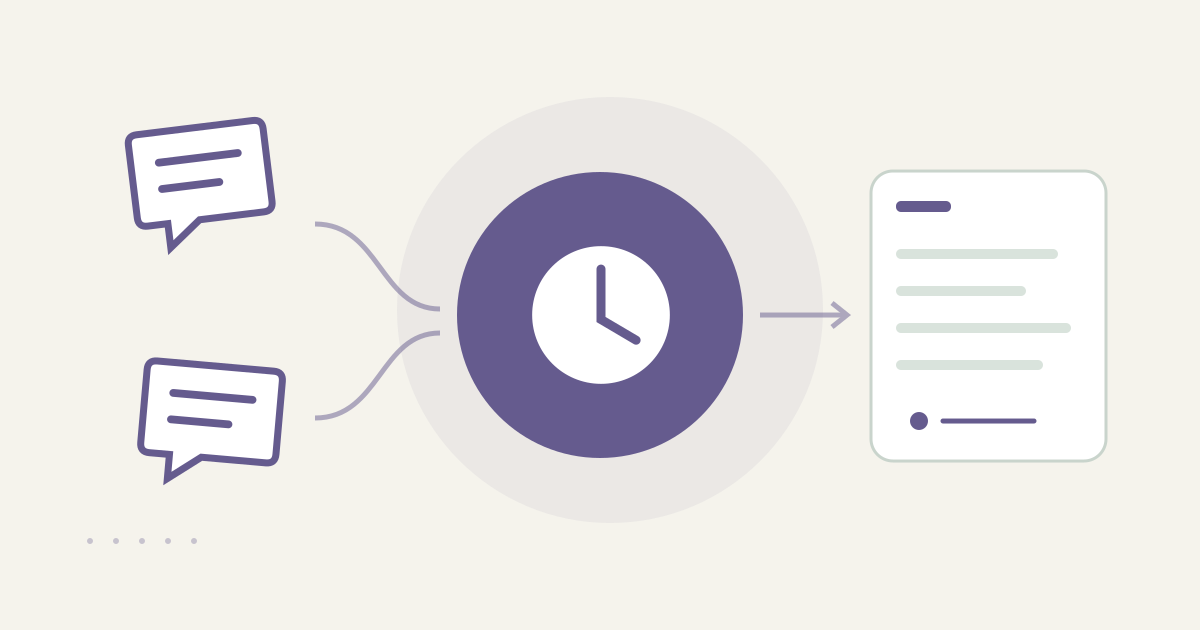
With AccountHub, one request can search connected Slack workspaces for a project history and list background, decisions, open items and original links together.
The problem
When you join a project halfway through, you may see the latest request without knowing why the team chose that direction. Reading a channel from the beginning also brings in casual conversation and obsolete proposals. Set a project, date range and channel scope first, then separate background, decisions, open items and unknown coverage.
When native tools are enough
If one workspace and channel are involved, Slack's native search and thread view may be enough. Search by terms and dates, then open the posts that led to the decision. AccountHub helps when the relevant history is split across connected workspaces and switching accounts is the main friction.
A prompt to paste into your AI
Use the real project name, channels and date range you need to understand. Follow the guide and include only Slack history you are allowed to read.
“Search only the Slack workspaces and channels I can read. Explain the history of [project name] during [date range]. Separate background posts, decisions or agreements, open requests and coverage that cannot be determined. For each item show workspace, channel, author, timestamp, short summary and original thread link. Do not guess about unreadable history, and do not post, reply or react.”
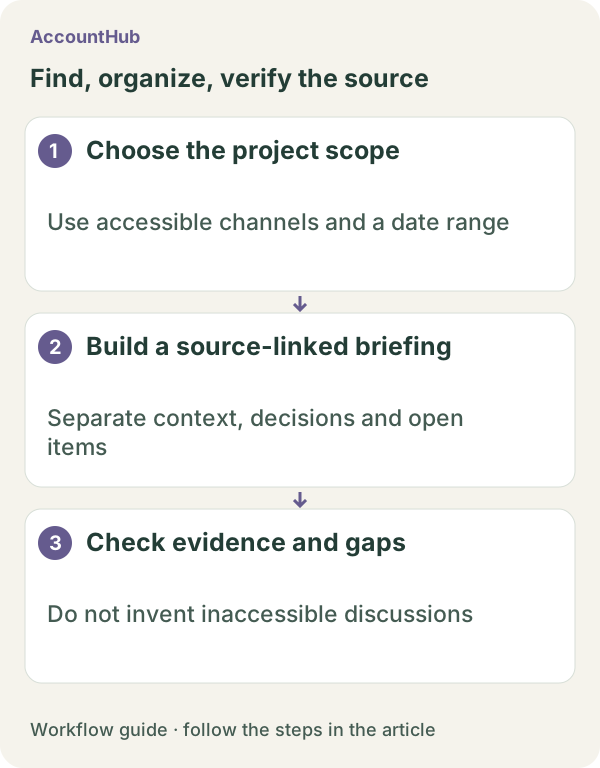
Sample output and limits
An explanatory fictional example could contain “Background: discuss the deadline / Decision: publish November 12 / Open: image review / Unknown: older channel history not accessible.” For the real result, open the links and check who decided, which conditions applied and whether a later update changed the plan. Slack history depends on the source plan and your permissions; it cannot restore unreadable past messages.
Keep native search when one channel is enough. Use AccountHub for one actual project when you need one table across connected workspaces. The result is a review draft for the joiner, not an automatic team agreement.
Pricing and trial conditions
The pricing page currently describes AccountHub as free with no paid plan sold. The in-app AI trial has a daily limit, and connected services and AI products have separate terms and limits.
Official references: AccountHub pricing https://accounthub.ai/pricing / AccountHub guide https://accounthub.ai/jp/guide / Slack search https://slack.com/help/articles/202528808-How-to-search-in-Slack
This is an operator's explanation. Verify readable history, permissions and current decisions in the original Slack threads.
Start with AccountHub for free. Connect the account you need and try one request through the in-app “Try the AI” entry. To use an external AI assistant, check its connection requirements in the setup guide.
Read the setup guide
The guide has the connection steps and example requests for your AI.
Read the setup guide →