
ACCOUNT HUB BLOG
Published:
Conversations · Slack · Multiple accounts · MCP · ChatGPT · Claude
Tell apart same-named Slack channels in different workspaces
Written by the AccountHub team.
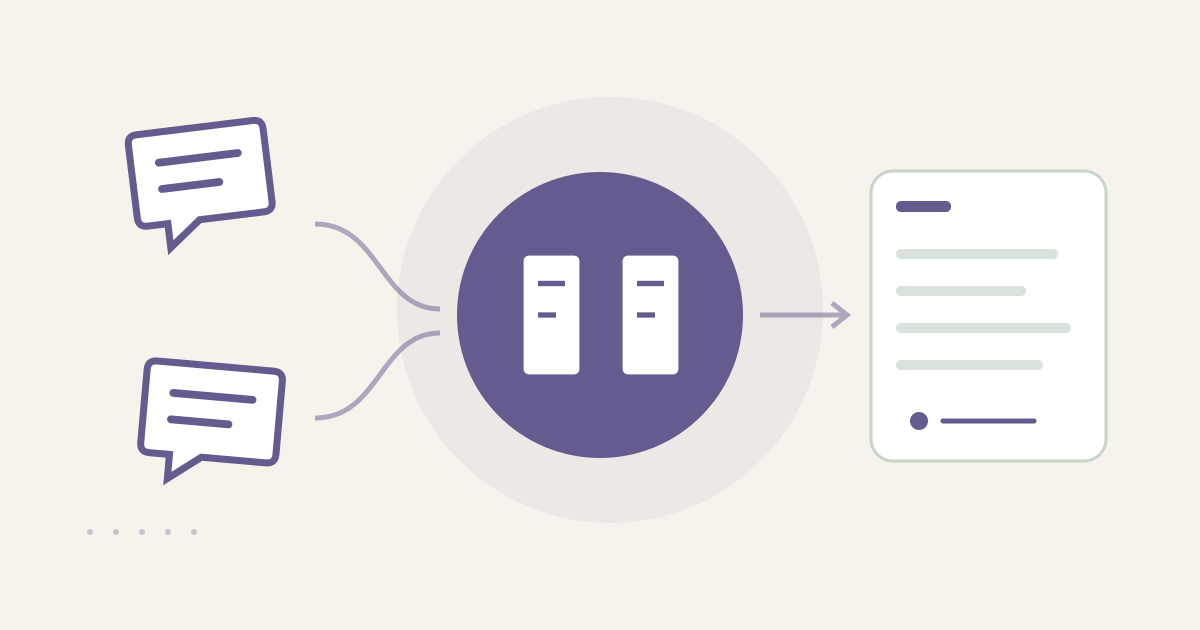
With AccountHub, one request can find same-named Slack channels across workspaces and list workspace, channel and original link separately.
The problem
Names such as #general or #project can exist in several Slack workspaces. A channel-name-only result can lead you to read the wrong project or reply in the wrong place. Identify the workspace first, then inspect the channel inside it.
When native tools are enough
If one workspace is involved, Slack's native search and channel details may be sufficient. With several connected workspaces, ask AccountHub to return workspace, channel and original link as separate fields. A name match is not proof that two channels are the same.
A prompt to paste into your AI
Check which workspaces you can read. Slack history remains subject to the source plan and permissions; same names do not synchronize history.Specify the channel name you actually need to find.
Example prompt:
“Search each connected Slack workspace separately for up to ten channels named [channel name]. For each candidate, show workspace name, channel name, public/private status if available, channel ID or original link, and the date plus short excerpt of the latest matching post. Treat same-named channels as separate. Do not fill in a workspace by guess. Do not reply, post, request membership or change permissions.”
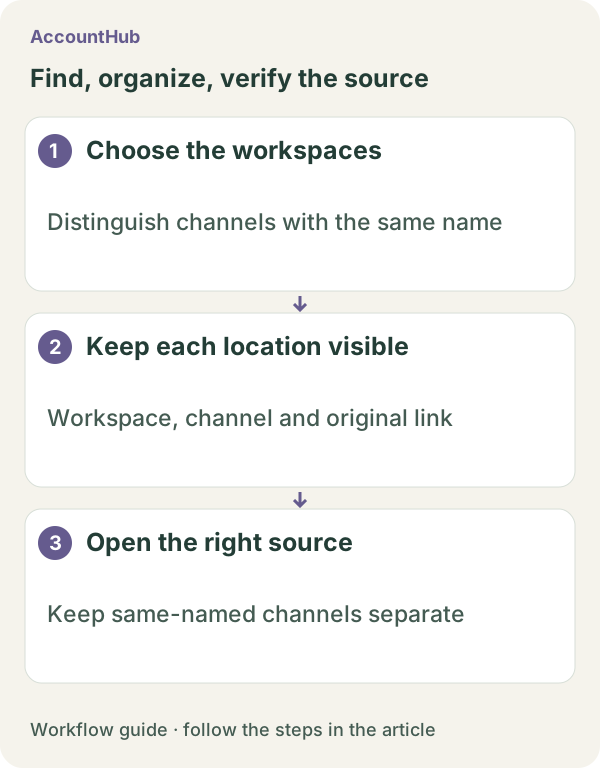
Sample output and limits
A fictional result might show “Sales workspace / #project / example ID / Oct 20 / proposal update” and “Engineering workspace / #project / example ID / Oct 19 / API update.” Open the ID or link yourself and verify the workspace. A missing private status or latest post is not proof that the channel is public or empty.
Review before continuing
Use native search when one workspace is enough. Try AccountHub for one cross-workspace comparison when distinguishing identical names is the problem. Finding a channel does not grant membership or posting rights.
Pricing and trial conditions
The pricing page currently describes AccountHub as free with no paid plan sold. The in-app AI trial has a daily limit, and connected services and AI products have separate terms and limits.
Official references: AccountHub pricing https://accounthub.ai/pricing / AccountHub guide https://accounthub.ai/jp/guide / Slack search https://slack.com/help/articles/202528808-How-to-search-in-Slack
This is an operator's explanation. Verify workspace identity, history and permissions in Slack itself.
Start with AccountHub for free. Connect the account you need and try one request through the in-app “Try the AI” entry. To use an external AI assistant, check its connection requirements in the setup guide.
Read the setup guide
The guide has the connection steps and example requests for your AI.
Read the setup guide →