
ACCOUNT HUB BLOG
Published:
Conversations · Slack · Multiple accounts · MCP · ChatGPT · Claude
Find proposal links shared in Slack
Written by the AccountHub team.
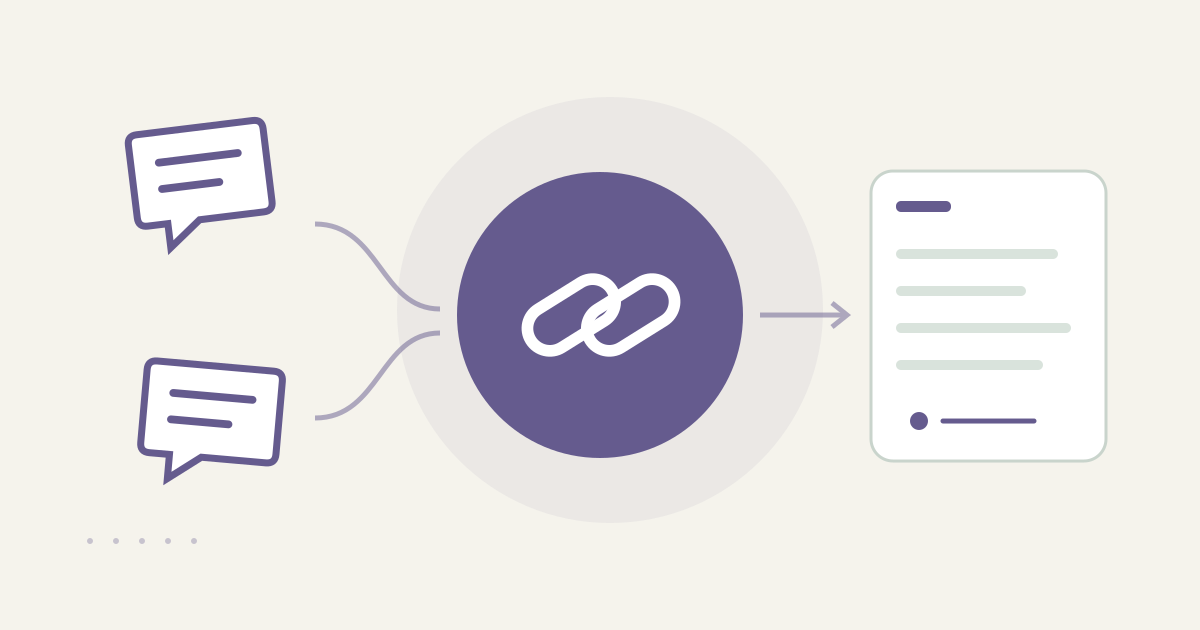
With AccountHub, one request can find proposal link candidates across Slack workspaces and list their posting locations and originals.
The problem
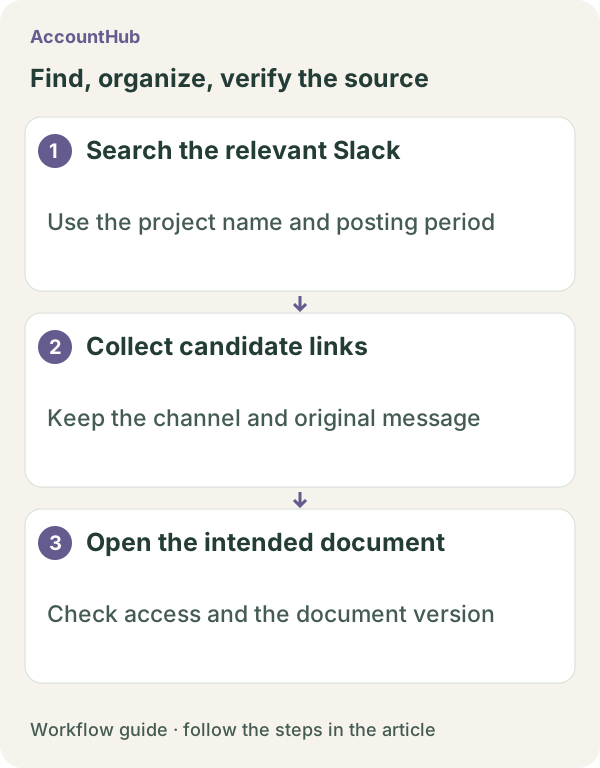
You need a proposal document, but you cannot remember which Slack channel shared it. The document may have been posted as a URL without a useful filename, and an older version may appear in another thread. Before opening anything, collect the link, poster, workspace and channel.
When native tools are enough
If the workspace and channel are known, Slack's native search may be the simplest option. AccountHub is useful when candidate links are spread across connected workspaces and you want the source location in one result.
Prepare the search
Search results are limited to history you can read. Finding a Slack message does not grant access to the linked Google Drive or Notion document. Specify the project name you actually need to review.
A prompt to paste into your AI
The in-app AI flow has a daily limit, and the linked service has its own permissions.
Example prompt:
“Search each connected Slack workspace separately for up to ten candidate document links related to [proposal name]. Show timestamp, author, workspace, channel, whether the message is in a thread, URL and the surrounding description. Separate duplicate URLs from different versions. Do not edit, share or download any linked document. State which channels or workspaces could not be searched.”
Sample output and limits
A fictional result might be “Work Slack / #proposal / Oct 18 / author A / https://example.invalid/proposal-v2 / ‘latest version.’” Open the link yourself and check access, version and who actually called it latest. An access denial is not a reason to ask the AI to expand permissions.
Review before continuing
Use native Slack search when it finds the candidate. Try AccountHub for one cross-workspace list when comparing source locations is the problem. The output is a link list, not proof that the proposal was read or shared successfully.
Pricing and trial conditions
The pricing page currently describes AccountHub as free with no paid plan sold. The in-app AI trial has a daily limit, and connected services and AI products have separate terms and limits.
Official references: AccountHub pricing https://accounthub.ai/pricing / AccountHub guide https://accounthub.ai/jp/guide / Slack search https://slack.com/help/articles/202528808-How-to-search-in-Slack
This is an operator's explanation. Check Slack history and linked-document access in your own accounts.
Start with AccountHub for free. Connect the account you need and try one request through the in-app “Try the AI” entry. To use an external AI assistant, check its connection requirements in the setup guide.
Read the setup guide
The guide has the connection steps and example requests for your AI.
Read the setup guide →