
ACCOUNT HUB BLOG
Published:
Email · Gmail · Multiple accounts · MCP · ChatGPT · Claude
Check whether a customer replied to a sent quote
Written by the AccountHub team.
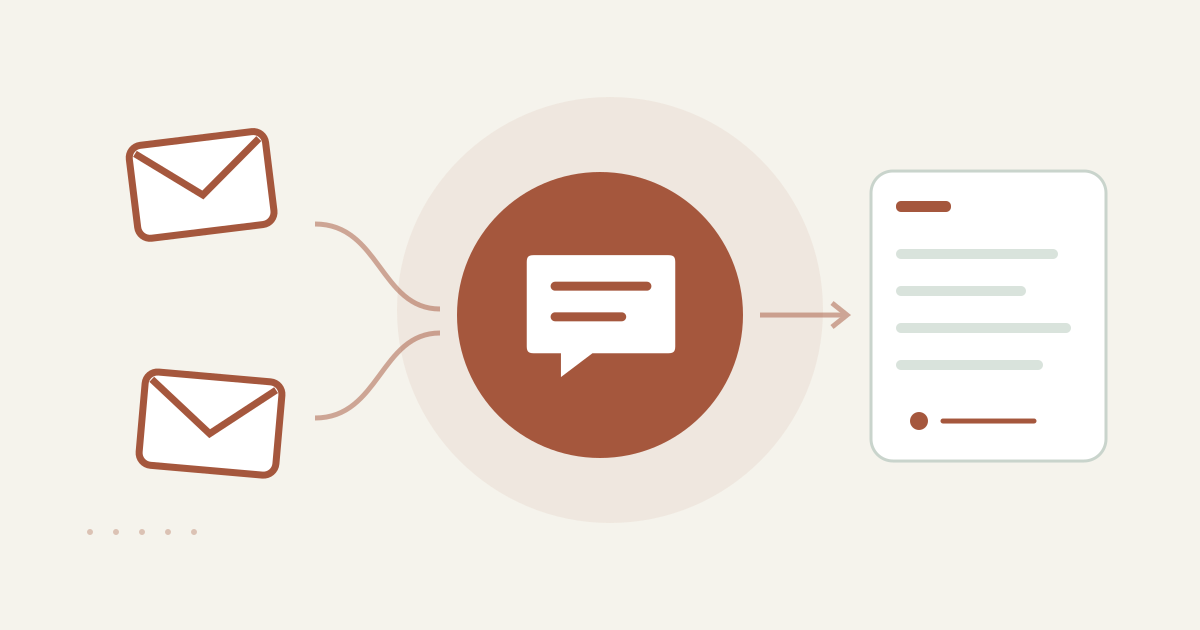
With AccountHub, one request can find a sent quote and likely replies across Gmail and list read state, reply candidates and source accounts.
The problem
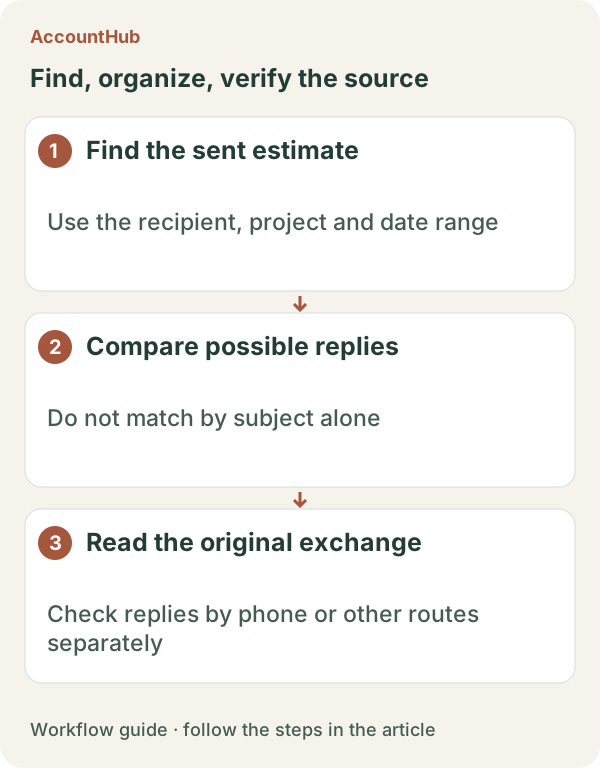
After sending a quote, “no reply” can mean several things. A reply may be in another Gmail account, or you may be looking at an older message in the same thread. First identify the sent quote and likely reply messages. Unread does not mean unanswered.
When native tools are enough
If the quote was sent from one Gmail account and you know the recipient, date and subject, native Gmail search may be enough. Open the thread and check its newest message and read state. AccountHub is helpful when the quote and a possible reply are spread across your connected accounts.
A prompt to paste into your AI
Prepare the customer name, quote subject, sent date and quote number. Ask for the source account and original link in every result. Never treat an account that could not be searched as proof that there was no reply. Phone calls, forms and other channels are outside this check.
Example prompt; replace [customer], [quote number] and [sent date] with the real values:
“Search my connected Gmail accounts for messages related to quote [quote number] sent to [customer] on [sent date]. Separate the sent quote thread, messages with a similar subject and the newest message that may be a reply. For each row show account, received date, displayed read/unread state, sender, subject and original link. Do not equate unread with unanswered, and do not infer replies from phone calls or other services. Do not send a reply; create a draft suggestion only if needed.”
Sample output and limits
A fictional result could be “Work / Oct 12 / unread / Hokkai Design / Re: Q-2026-014 / original link.” Read the candidate yourself and check the quote number, questions and requested action. Remove messages from another person, project or forwarded thread. Before saying there was no reply, confirm which accounts and dates were searchable.
Review before continuing
Use native search when one thread is easy to follow. Use AccountHub to collect cross-account candidates, then make the interpretation and any reply yourself. Start with one quote and check the source and read state.
Pricing and trial conditions
The pricing page currently describes AccountHub as free with no paid plan sold. The in-app AI trial has a daily limit, and connected services and AI products have separate terms and limits.
Official references: AccountHub pricing https://accounthub.ai/pricing / AccountHub guide https://accounthub.ai/jp/guide / Gmail search https://support.google.com/mail/answer/7190
This is an operator's explanation. Keep searchable email coverage separate from unverified external channels.
Start with AccountHub for free. Connect the account you need and try one request through the in-app “Try the AI” entry. To use an external AI assistant, check its connection requirements in the setup guide.
Read the setup guide
The guide has the connection steps and example requests for your AI.
Read the setup guide →