
ACCOUNT HUB BLOG
Published:
Conversations · Slack · Multiple accounts · MCP · ChatGPT · Claude
Find decisions made in Slack while you were away
Written by the AccountHub team.
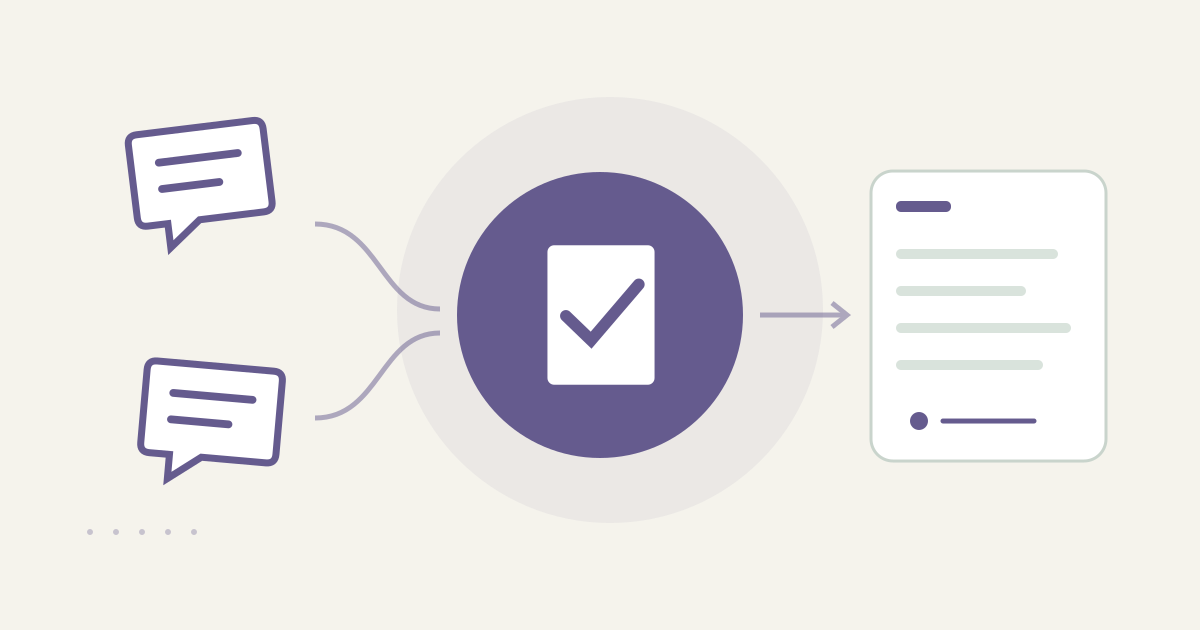
With AccountHub, one request can search connected Slack workspaces for decisions made while you were away and list proposals, decisions and original links.
The problem
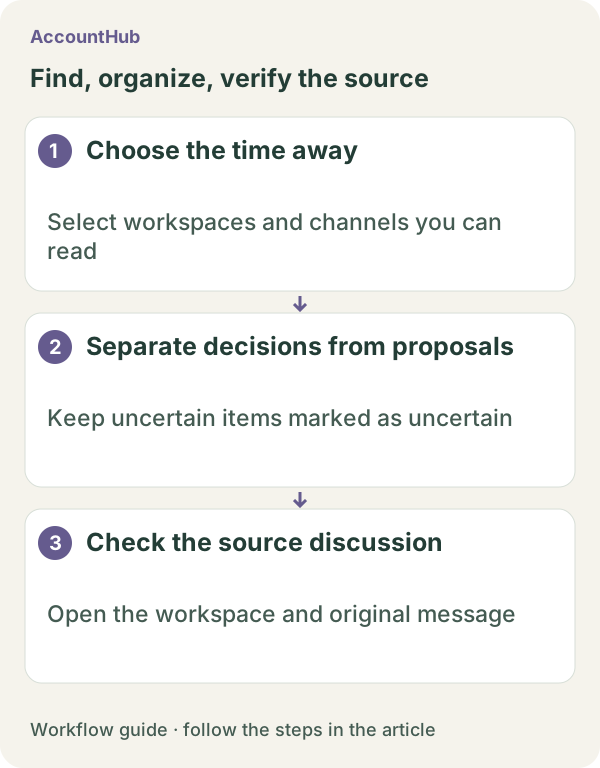
When you return from vacation, Slack contains both “we could do this” proposals and “we agreed to do this” decisions. Reading every channel can mix in old or casual conversation. Start with a date range and project, collect likely decisions and return to the original messages.
When native tools are enough
If one workspace and channel are known, Slack's native search and thread view may be faster. If the wording is ambiguous, keep the message as an uncertain candidate instead of calling it a decision. AccountHub helps when you can read more than one connected workspace and want the workspace, channel and original link separated.
A prompt to paste into your AI
Slack history depends on the source plan and your permissions. It cannot restore history you cannot read or prove that every message was searched. Follow the guide, check your own connections and specify the project and date range you actually need to review.\n\nExample prompt:
“Search only the Slack workspaces I can read for messages about [project name] during [date range]. Put messages explicitly marked as decided, agreed or confirmed in one table; proposals in a second; and unclear messages in a third. Show workspace, channel, author, timestamp, short summary and original link. Do not mix decisions with guesses, and do not use unreadable history as proof that nothing was decided. Do not post or react.”
Sample output and limits
A fictional sample might show “Decision: publish November 12 / Proposal: replace the image / Unclear: check next week / original link.” Read the full thread yourself and check the decision maker and conditions. A later update in another channel may supersede it.
Review before continuing
Use native Slack search when the scope is clear. Try AccountHub for one cross-workspace collection when account switching is the friction. The result is a decision-candidate list, not an automatic team-wide agreement.
Pricing and trial conditions
The pricing page currently describes AccountHub as free with no paid plan sold. The in-app AI trial has a daily limit, and connected services and AI products have separate terms and limits.
Official references: AccountHub pricing https://accounthub.ai/pricing / AccountHub guide https://accounthub.ai/jp/guide / Slack search https://slack.com/help/articles/202528808-How-to-search-in-Slack
This is an operator's explanation. Check history, permissions and current originals in your workspace.
Start with AccountHub for free. Connect the account you need and try one request through the in-app “Try the AI” entry. To use an external AI assistant, check its connection requirements in the setup guide.
Read the setup guide
The guide has the connection steps and example requests for your AI.
Read the setup guide →