
ACCOUNT HUB BLOG
Published:
Conversations · Gmail · Multiple accounts · MCP · ChatGPT · Claude
Summarize an email conversation for a new owner
Written by the AccountHub team.
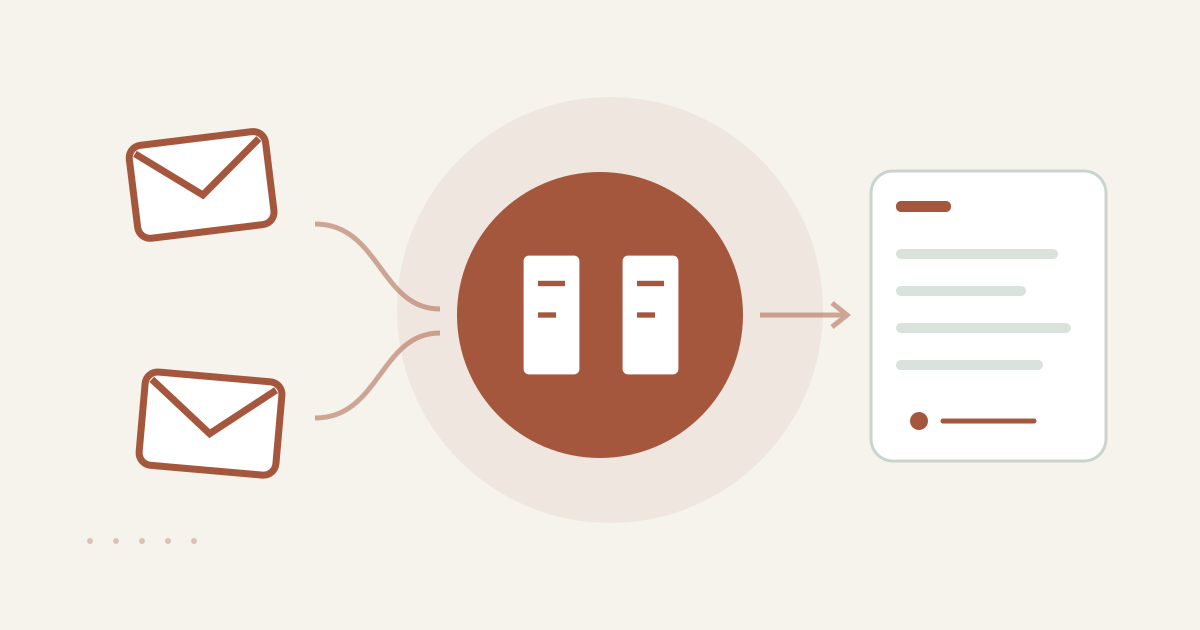
With AccountHub, one request can find related Gmail threads and turn them into a handoff summary draft with original links.
The problem
When ownership changes, forwarding every old email is often a poor first step. A long thread can mix proposals, confirmations, holds and decisions. A summary should begin as a personal review draft, not as a message that is already ready to send to the new owner.
When native tools are enough
If one Gmail account contains one clearly identified thread, native Gmail search and the thread view may be enough. AccountHub helps when related threads are split across your connected Gmail accounts and you want a source-aware handoff draft from one request. Finding a thread is different from verifying its meaning.
A prompt to paste into your AI
Choose one project, people and date range. Connect only accounts you are allowed to read. The in-app AI flow has a daily limit, and a summary does not grant another person access. For sensitive material, follow your organization’s rules and specify an actual thread you are allowed to read.
Try this prompt:
“Find one Gmail thread related to the project [project name] in my connected accounts. Check each message's source and date, then create a personal handoff draft with the headings Background, Timeline, Decisions, Open or waiting items, and Next checks. Do not guess speakers. Keep important conditions and original links. Separate confirmed statements from inferences. Do not forward, reply, or change sharing permissions.”
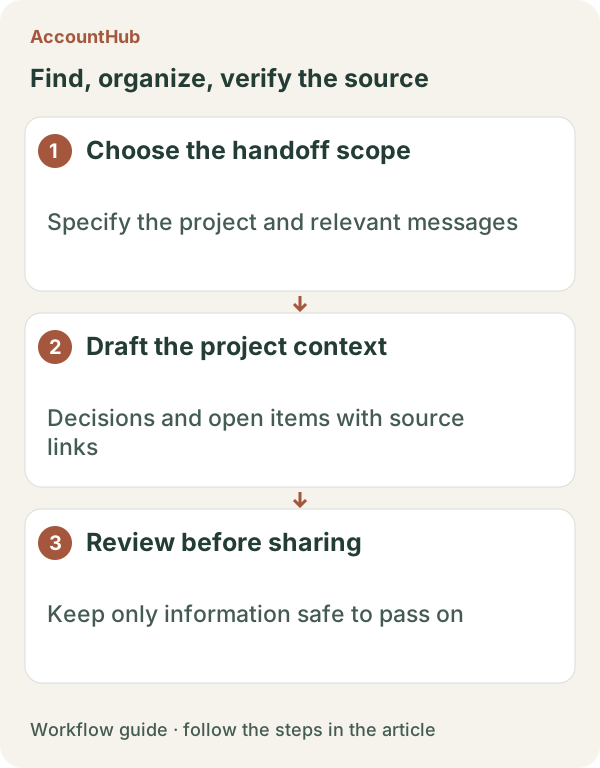
Sample output and limits
A fictional sample might say: “Background: decide the update scope. Decision: publication date agreed as November 12. Open: final image review. Next check: owner opens the source link.” This is only an example. Open the original messages and compare each decision with the text. Watch for similar subjects, old conditions and duplicated quoted text.
Review before continuing
Do not forward the draft until you confirm facts and the intended audience. Use native search when one thread is enough. Try AccountHub for a small read-only collection when cross-account discovery and a review draft are the actual friction.
Pricing and trial conditions
The pricing page currently describes AccountHub as free with no paid plan sold. The in-app AI trial has a daily limit, and connected services and AI products have separate terms and limits.
Official references: AccountHub pricing https://accounthub.ai/pricing / AccountHub guide https://accounthub.ai/jp/guide / Gmail search https://support.google.com/mail/answer/7190
This is an operator's explanation. Verify accuracy, confidentiality and forwarding rules against the originals and your workplace policy.
Start with AccountHub for free. Connect the account you need and try one request through the in-app “Try the AI” entry. To use an external AI assistant, check its connection requirements in the setup guide.
Read the setup guide
The guide has the connection steps and example requests for your AI.
Read the setup guide →