
ACCOUNT HUB BLOG
Published:
Memory & context · ChatGPT · Claude · MCP · Comparison
How to carry project background between AI tools
Written by the AccountHub team.
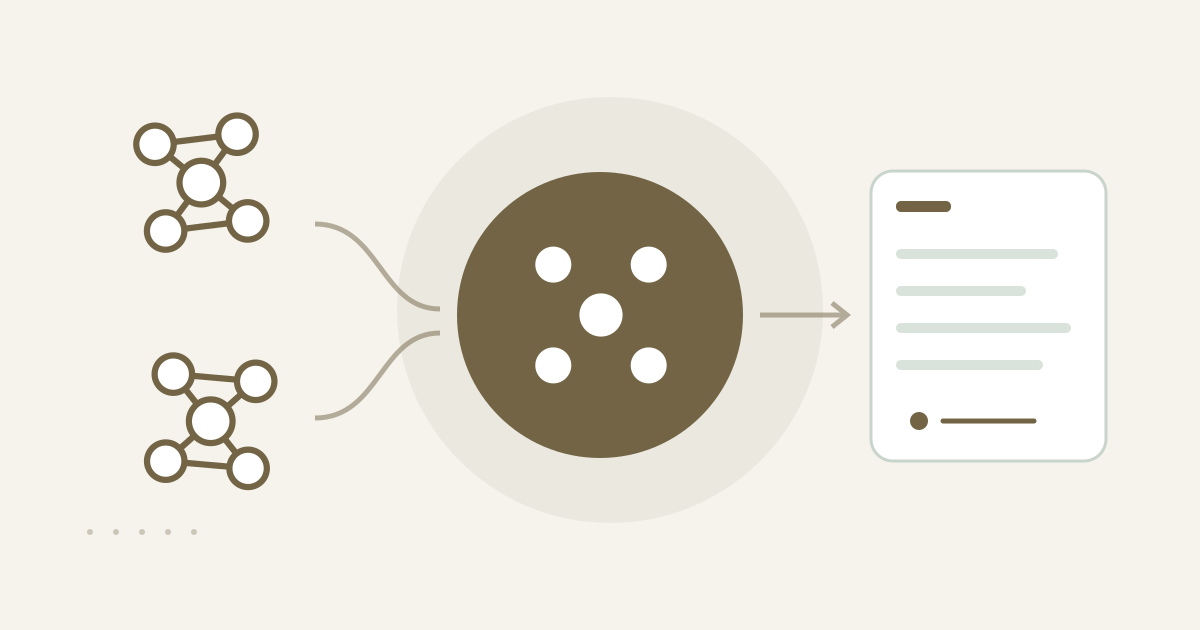
Save a short brief for the next AI
AccountHub shared memory can hold a short, confirmed brief with a project’s purpose, decisions, constraints, open questions, and next step. Another AI used by the same person can read that record before continuing. This can reduce the need to re-explain a project when you move from ChatGPT to Claude.
Decide whether a full transcript is needed
For a one-time handoff, you can write a short note and paste it into the next AI. Separate the decisions you need from the full conversation, attachments, and unsaved remarks. A compact brief makes it easier to review exactly what you are passing on.
Save and read through AccountHub
For repeated handoffs, connect the AI services you use to AccountHub and ask one AI to write the confirmed brief to shared memory. This is a record between AIs used by the same person. It is not an automatically public team group. Confirm the saved text by asking another connected AI to read it; a natural-sounding answer alone is not proof.
Replace the brackets with a real project and confirmed content:
Record the following confirmed background for [real project name] in AccountHub shared memory. Purpose: [purpose]. Decision: [decision]. Constraint: [constraint]. Open question: [open question]. Next step: [next step]. Do not save a full transcript or infer attachments. Show which fields were saved and the record ID. Mark unavailable fields unknown.
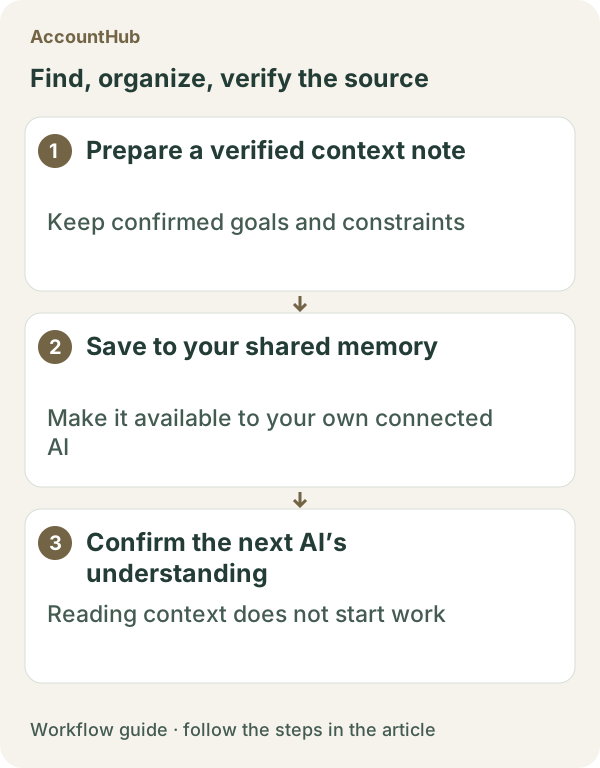
Then ask the next AI:
Read the [real project name] record from AccountHub shared memory. First summarize purpose, decision, constraint, open question, and next step, and mark missing fields unknown. Wait for my confirmation before creating a new proposal.
What the result can show
A fictional example might preserve the decision to lead with a user situation instead of a feature list, then let another AI confirm that direction before drafting an outline. Unsaved conversation, attachments, and images do not automatically move to the next AI. Check whether saving and reading each succeeded and inspect the recorded content.
Try one real, small brief
Choose one purpose and decision from a real project that you are comfortable storing. AccountHub is free to use, but the in-app AI trial has a daily limit. Plans and settings in ChatGPT, Claude, and other AI services are separate. Start with a short note and avoid unnecessary personal or confidential details.
This article is an operator explanation based on AccountHub’s official pricing page and guide. Check AccountHub pricing and the AccountHub guide, along with the current terms of your AI services.
Start with AccountHub for free. Use the setup guide to choose your AI connection, then test saving and reading one short record of your own.
Read the setup guide
The guide has the connection steps and example requests for your AI.
Read the setup guide →