
ACCOUNT HUB BLOG
Published:
Memory & context · ChatGPT · Claude · MCP · Comparison · Troubleshooting
How to separate old and new conditions between ChatGPT and Claude
Written by the AccountHub team.
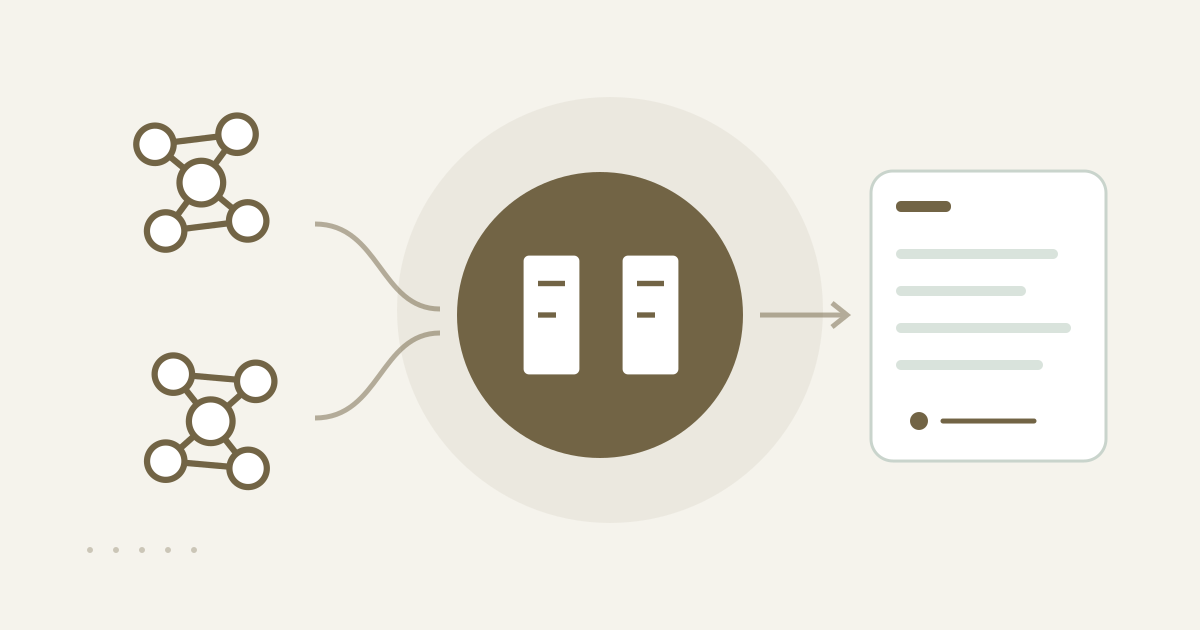
Add a correction without erasing the old condition
With AccountHub, you can keep an old condition and add a correction record with its date, new condition, scope, and reason. ChatGPT and Claude can then read the original and correction separately. If a note once said the budget was fixed and that changed later, deleting the old note removes the timeline you need to understand the change.
Why conditions get mixed
An AI may see an earlier price, region, or deadline in a prior handoff and reuse it in a new task. For a one-time change, a manual note with a visible history may be enough. The key is to preserve the earlier record and state when and where the correction applies.
Store the original and correction in AccountHub
When the same person uses ChatGPT and Claude, save the original condition and an explicit correction in AccountHub shared memory. Shared memory is a record for the same person’s AIs, not an automatically public team group. After saving, ask the next AI to show original, correction, and current scope separately.
Replace the brackets with a real case and confirmed change:
For [real project], keep the existing condition record and do not delete or overwrite it. Add a correction to AccountHub shared memory. Change date: [YYYY-MM-DD]. Old condition: [summary]. New condition: [confirmed condition]. Scope: [task, version, or period]. Reason: [evidence]. Mark only the new condition as current within that scope and label unknowns unknown. Show the save result and record ID.
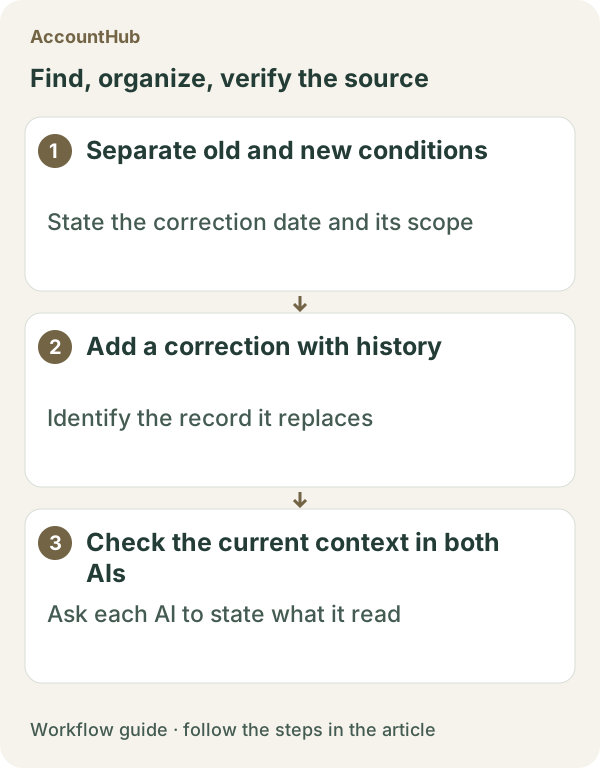
Then ask the next AI:
Read the original and correction records for [real project] from AccountHub shared memory. Show old condition, new condition, date, scope, and evidence in chronological order. Apply the new condition only within its stated scope. Do not infer current facts that are absent. Ask a question if a conflict remains.
What the result can show
A fictional example might keep Tokyo as the old region and add Kansai as a correction dated October 20, 2026. The next AI can use the new condition for materials after that date and the old condition for an earlier version. It cannot decide whether an undocumented change is correct. Keeping the old record also does not guarantee that the record itself is accurate.
Try one small correction
Choose one real condition with one confirmed change. AccountHub is free to use, but the in-app AI trial has a daily limit. ChatGPT and Claude have separate plans and settings. Store only the old value, new value, date, scope, and necessary evidence.
This article is an operator explanation based on AccountHub’s official pricing page and guide. Check AccountHub pricing and the AccountHub guide for current terms.
Start with AccountHub for free. Use the setup guide to choose your AI connection, then test saving and reading one short record of your own.
Read the setup guide
The guide has the connection steps and example requests for your AI.
Read the setup guide →