
ACCOUNT HUB BLOG
Published:
Email · Gmail · Multiple accounts · MCP · ChatGPT · Claude
Find month-end receipt emails across work and personal Gmail
Written by the AccountHub team.
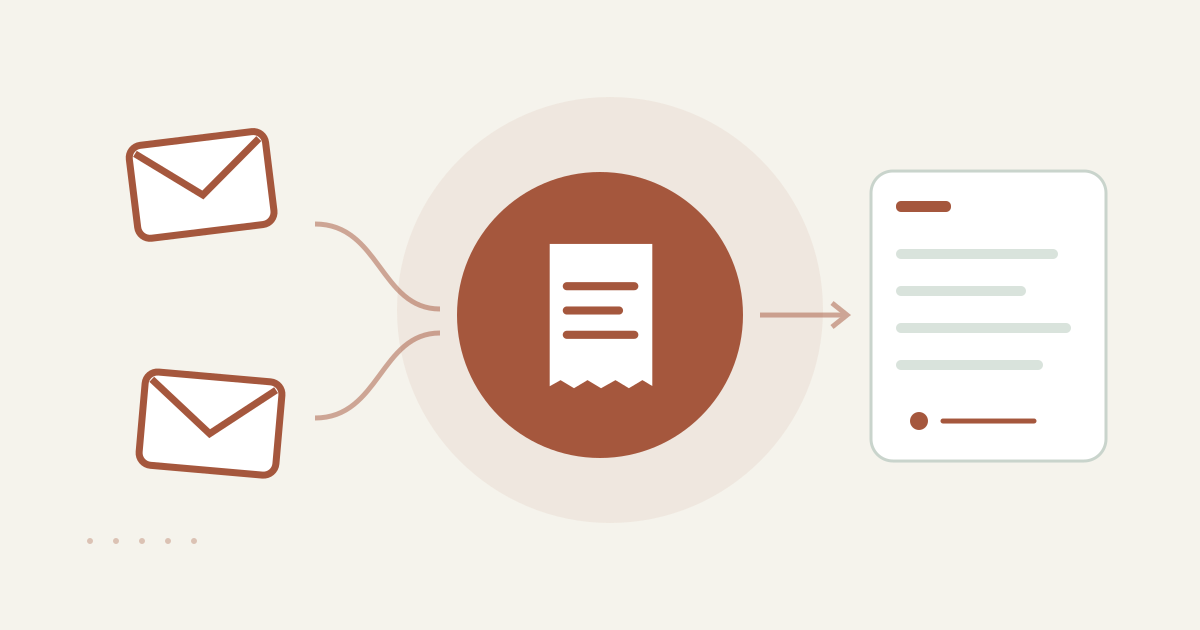
With AccountHub, one request can search work and personal Gmail for receipt candidates and list them by account.
The problem
At month end, receipt emails may be split between a work Gmail account and a personal one. Before forwarding messages or trying to download every attachment, make a candidate list for the date range. That makes missing items easier to notice.
When native tools are enough
If you use one Gmail account, native search by date, sender, subject and attachments may be enough. AccountHub helps when you want the same search applied across your own work and personal accounts, with the source account shown for each candidate.
Prepare the search
Choose the month and a few services first. Follow the AccountHub guide and connect only Gmail accounts you are allowed to read. Dates can depend on the received date and time zone, so check each original message.Example prompt; replace [date range] and [service name] with the real items you need to check:
“Search my work Gmail and personal Gmail separately. Find up to five likely receipt messages per account received during [date range] for [service name]. Show account, received date, sender, subject, attachment presence and original message link. Distinguish an account that could not be searched from zero matches. Do not forward, change labels, download in bulk or send anything.”
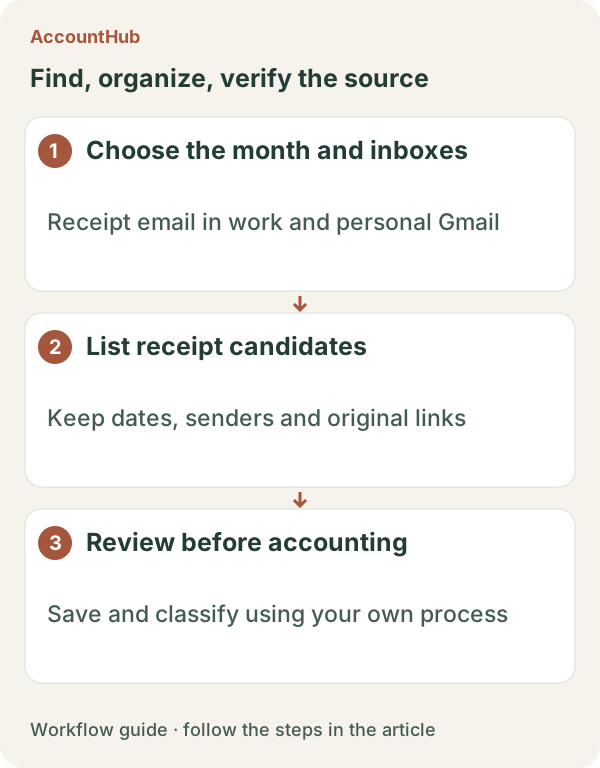
Sample output and limits
A fictional output could be “Personal / Sep 28 / Aozora Cloud / Usage receipt / attachment present / original link.” This is only a candidate row. An attachment indicator does not prove that a file was saved. Open the message yourself and check issuer, period, name and amount. Do not ask the AI to automatically classify expenses or mark a reimbursement as complete.
Review before continuing
If forwarding or saving is needed, do it yourself after reviewing the selected messages. This workflow stops at read-only collection. Try a few messages, then compare whether native search is enough for a given month or whether cross-account collection reduces account switching.
Pricing and trial conditions
The pricing page currently describes AccountHub as free with no paid plan sold. The in-app AI trial has a daily limit, and connected services and AI products have separate terms and limits.
Official references: AccountHub pricing https://accounthub.ai/pricing / AccountHub guide https://accounthub.ai/jp/guide / Gmail search https://support.google.com/mail/answer/7190
This is an operator's explanation. Follow your own retention, forwarding and expense procedures.
Start with AccountHub for free. Connect the account you need and try one request through the in-app “Try the AI” entry. To use an external AI assistant, check its connection requirements in the setup guide.
Read the setup guide
The guide has the connection steps and example requests for your AI.
Read the setup guide →