
ACCOUNT HUB BLOG
Published:
Memory & context · MCP · Troubleshooting
How to save meeting decisions in AI memory
Written by the AccountHub team.
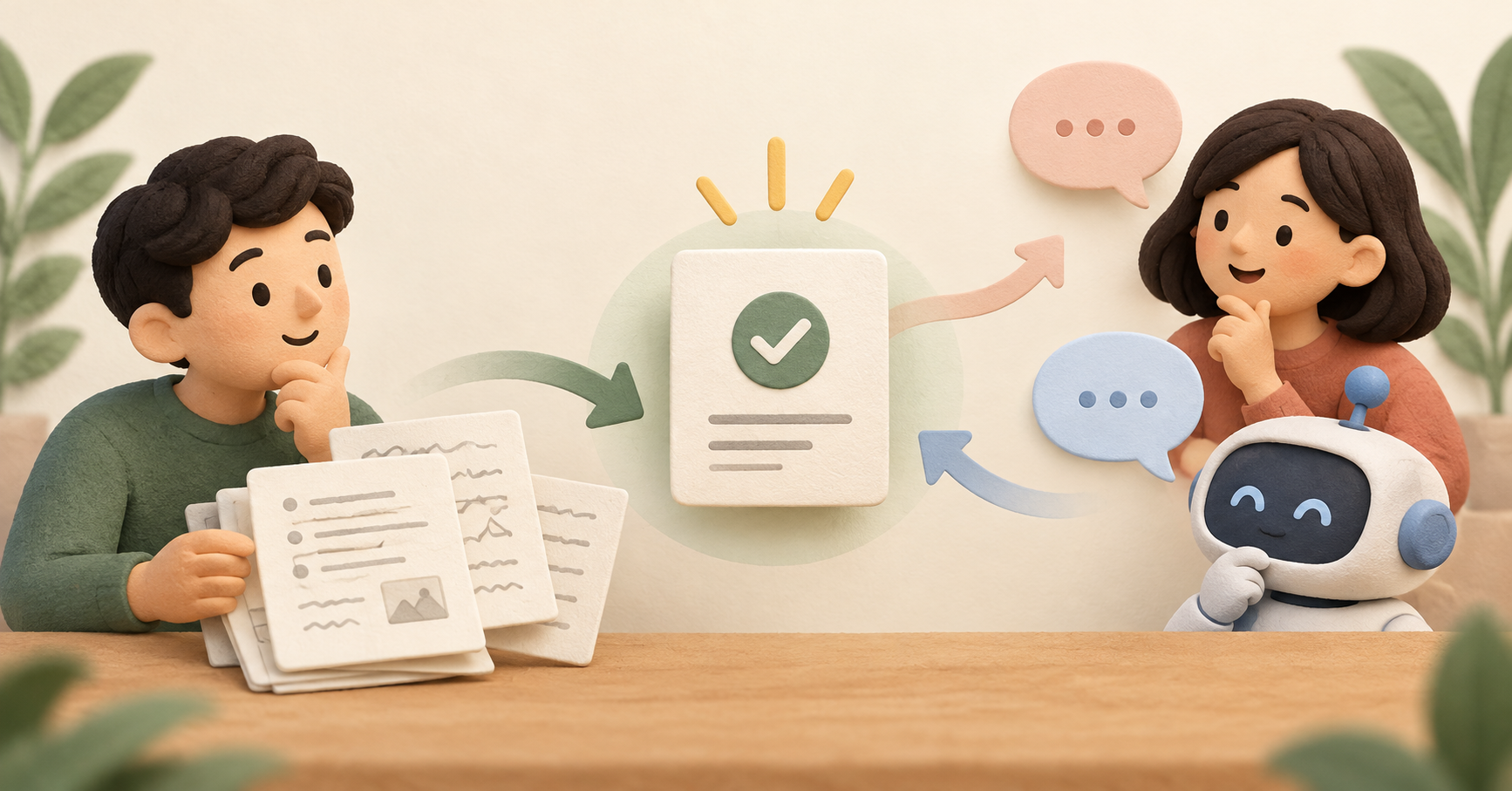
You have the meeting notes, yet you still explain the outcome every time you change assistants. Separating confirmed decisions from the rest of the transcript can make those notes more useful.
AccountHub describes shared memory for reading and writing records across your own AI assistants. Treat that separately from automatic transcript synchronization. Start by saving one decision you have checked, then see whether another assistant can read it.
First compare the alternatives
For team meeting notes, a decision section in a shared document may be enough. If you rarely switch assistants, copying that section is a simple option.
AccountHub may help when you repeatedly pass the same decisions between your own assistants. This article does not cover projects shared with another person or notifications. Decide where the record should live and who should be able to read it.
Try a small check
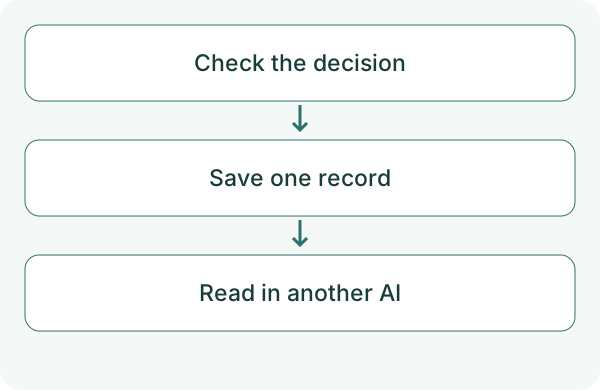
Before using real meeting notes, prepare one short, non-sensitive decision. Separate what was proposed from what was agreed, and check the wording yourself. Save it through one connected assistant first.
Save this confirmed decision as one AccountHub memory record: 'On October 13, 2026, we decided that the next meeting would last 30 minutes.' This is a test example. Include the decision date and do not add undecided proposals. Check the storage scope and visibility. If saving succeeds, give me the record ID. Do not send email or messages.
Check the result
Check the record ID and retrieved text, not just a statement that it was saved. Connect another assistant you use to the same AccountHub account and ask it to find the record by date and topic. Matching content confirms a round trip.
If it cannot find the record, check the storage scope and user account. When a decision changes, identify the new wording, date and the record it replaces. Do not save the AI's interpretation of an old discussion as a confirmed decision.
What to try next
First confirm that one record is readable from the other assistant. Then try separating decisions, open questions and the next request after a meeting.
Try one task with the connection guide
Sources
---
Draft from the AccountHub team. Not written or approved by Uchiyama. Sample prompts are not results from a personal-account test performed for this article. Features and sources checked on October 13, 2026.
Read the setup guide
The guide has the connection steps and example requests for your AI.
Read the setup guide →