
ACCOUNT HUB BLOG
Published:
Files · Google Drive · MCP · Troubleshooting
What to check when AI cannot find Google Drive files
Written by the AccountHub team.
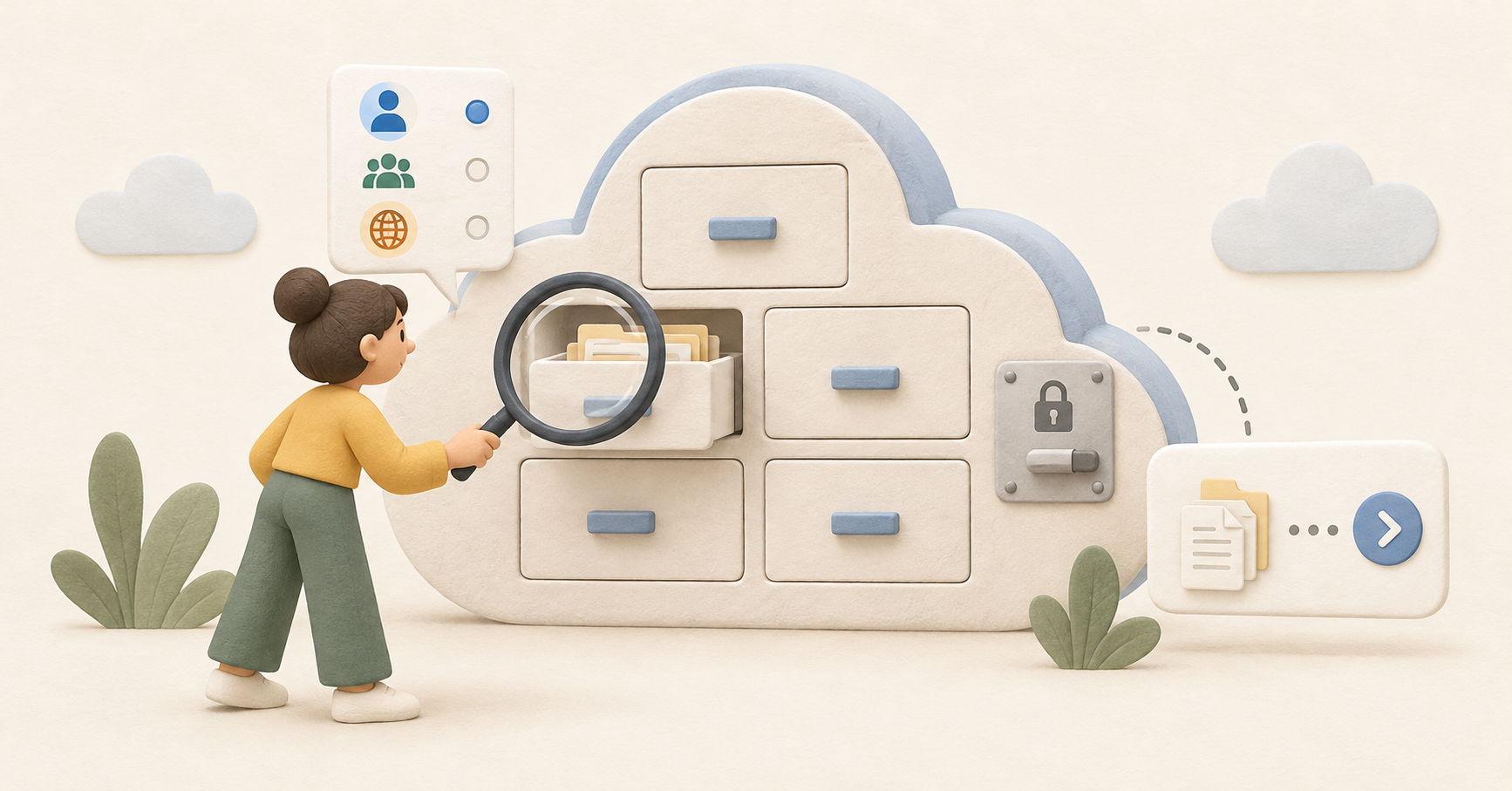
Your AI searched Google Drive but did not find the document. Before concluding the file is absent, check which account was successfully searched.
With AccountHub, separate target accounts, permissions, query conditions and fetched pages. A filename appearing while contents cannot be read is a different problem.
First compare the alternatives
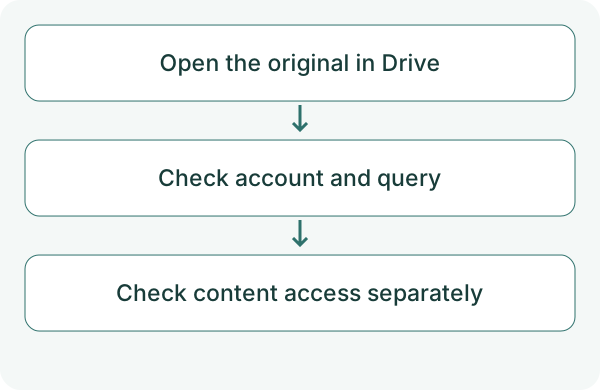
Open Drive in the same account and search directly first. If it is missing there too, check sharing changes and the storage location. Changing an AI connection alone may not solve it.
Drive supports name, type, people and modification filters. If the original opens but AccountHub cannot find it, compare the connection, permissions and query.
Try a small check
Choose one known filename and confirm it opens in Drive. Match the target against AccountHub's account list. Start with one account and filename-only search before widening the query.
Using AccountHub, search the Google Drive account I specify for up to five files whose names contain 'test document.' Do not search contents. Show account, name, link and retrieval status. Separate missing permission from a successful search with zero matches. Do not read contents or change files.
Check the result
AccountHub fetches one results page at a time. If the file is not among five results, refine name or type, or narrow to one account and request the next page. Shared-drive access depends on your permission and connection scope.
If metadata appears but content fails, check content permission, format and read limits. A PDF and a Google Doc may need different handling. Recheck whether the original opens if its sharing changed. Check subsequent pages within a single account. Searches involving shared drives or broader scope may be incomplete, so a missing result does not prove the file is absent.
What to try next
Knowing whether the failure is in original access, search or content reading narrows the next fix. Use one known file to check those stages separately.
Try one task with the connection guide
Sources
---
Draft from the AccountHub team. Not written or approved by Uchiyama. Sample prompts are not results from a personal-account test performed for this article. Features and sources checked on October 13, 2026.
Read the setup guide
The guide has the connection steps and example requests for your AI.
Read the setup guide →