
ACCOUNT HUB BLOG
Published:
Conversations · Slack · Multiple accounts · MCP · ChatGPT · Claude
Check which Slack questions have been answered
Written by the AccountHub team.
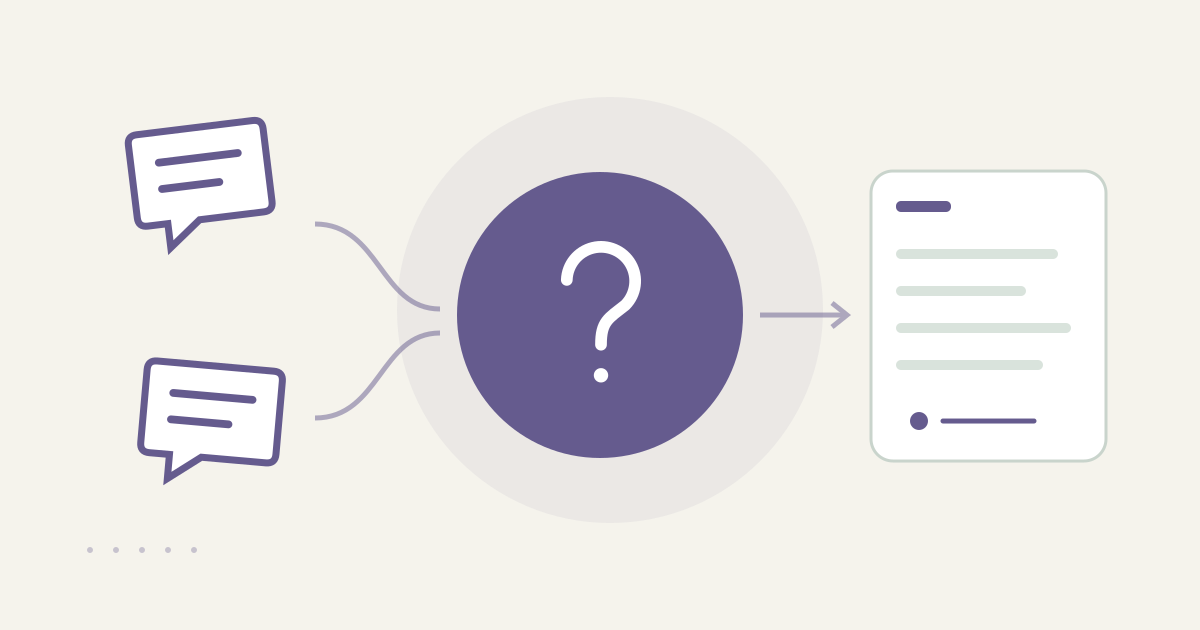
With AccountHub, one request can search Slack workspaces for questions and replies and list answered, possibly unanswered and unknown cases.
The problem
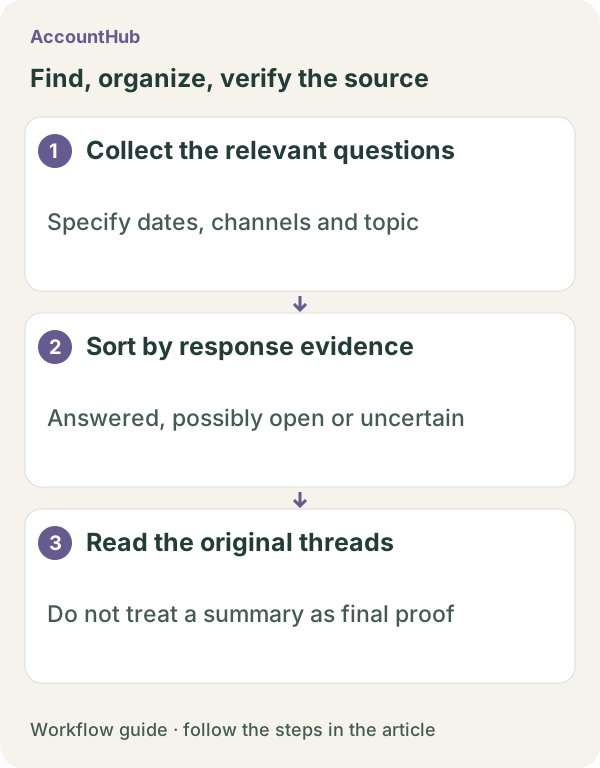
After asking a question in Slack, it can be unclear whether someone answered, added a partial note or never replied. Searching only the question text can miss thread replies or a different connected workspace. Put answered, partially answered, possible unanswered and unknown cases in separate groups.
When native tools are enough
If the channel and date range are known, Slack's native search and thread view may be enough. AccountHub helps when you need the same read-only check across your connected workspaces. Do not call the output complete if some channels or history could not be searched.
A prompt to paste into your AI
History depends on the source plan and your permissions. Deleted posts, unreadable channels and answers delivered by another route are outside the check. Follow the guide and specify the question and date range you actually need to review.\n\nExample prompt:
“In the connected Slack workspaces I can read, find questions about [question terms] posted during [date range]. For each question, classify it as answered, replied but conclusion unclear, apparently unanswered, or unknown because it was outside the searchable range. Show workspace, channel, asker, timestamp, replier, a short reason and the original thread link. Do not promise complete retrieval or future monitoring. Do not post, react or remind anyone.”
Sample output and limits
A fictional sample might say “Answered: owner said update October 12 / Possible unanswered: no thread reply / Unknown: channel history not readable.” Even an apparent answer may be outdated, so open the thread and check the current conclusion and deadline. “No reply” means no reply in the searchable range.
Review before continuing
Use native search when it is enough. Try AccountHub for one cross-workspace list when repeated checking is the friction. Monitoring and reminders are a separate operational decision.
Pricing and trial conditions
The pricing page currently describes AccountHub as free with no paid plan sold. The in-app AI trial has a daily limit, and connected services and AI products have separate terms and limits.
Official references: AccountHub pricing https://accounthub.ai/pricing / AccountHub guide https://accounthub.ai/jp/guide / Slack search https://slack.com/help/articles/202528808-How-to-search-in-Slack
This is an operator's explanation. Verify answer quality and coverage against the original thread and your permissions.
Start with AccountHub for free. Connect the account you need and try one request through the in-app “Try the AI” entry. To use an external AI assistant, check its connection requirements in the setup guide.
Read the setup guide
The guide has the connection steps and example requests for your AI.
Read the setup guide →