
ACCOUNT HUB BLOG
Published:
Calendar · Google Calendar · Multiple accounts · MCP · ChatGPT · Claude
Find side-work meeting times around your main job calendar
Written by the AccountHub team.
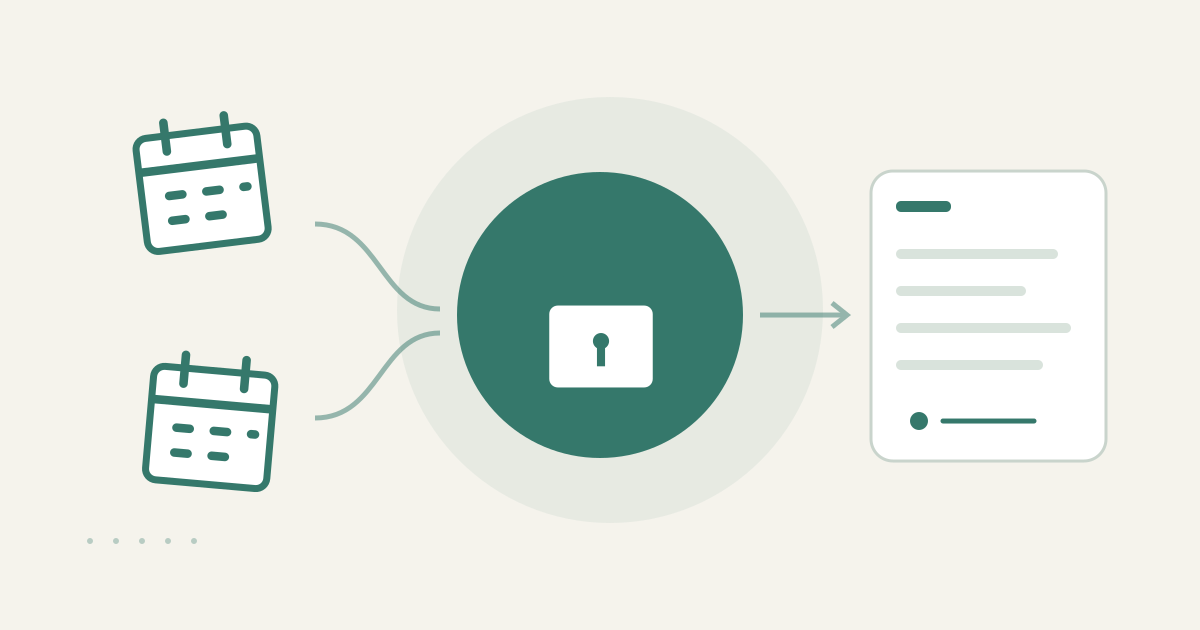
With AccountHub, one request can compare your own side-work and main-job Google Calendars and list non-overlapping meeting candidates with their source calendars.
The problem
You want to schedule side work, but your main-job events live in another account. Manually copying every busy period is tedious, and the side-work contact does not need to see meeting titles or participants from your main job. Extract candidate times and keep the details in your own view.
Prepare the search
If both calendars appear in one Google Calendar view, the native combined view may be sufficient. For one or two candidates, manual comparison may be faster. AccountHub helps when switching accounts is the main friction and you want the source calendars shown in one read-only result.
A prompt to paste into your AI
Replace the calendar names, real date range and meeting duration with your own values.
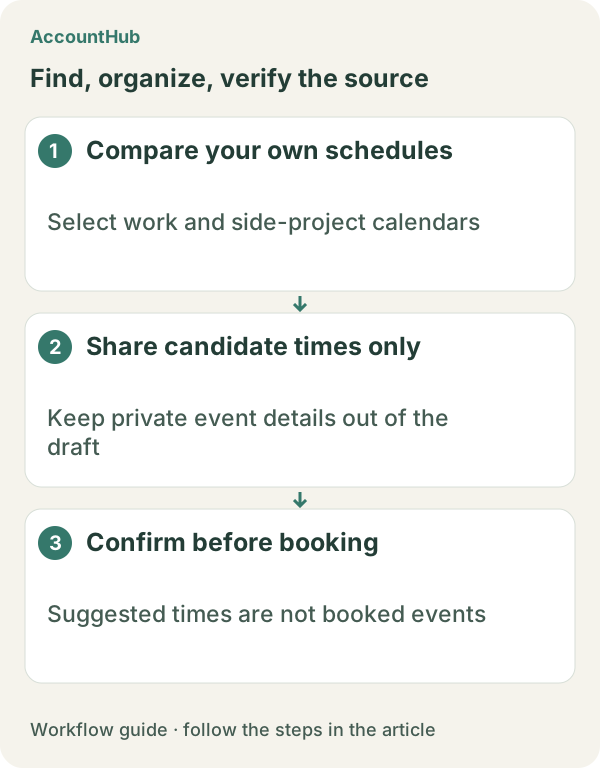
“Keep my [side-work calendar] and [main-job calendar] separate. Find up to five 45-minute meeting candidates during [date range]. Do not show main-job event details, titles, participants or locations. Return only candidate times and which calendar was free or caused an exclusion. Do not share schedule details with my side-work contact, and do not create, change or invite anyone to an event.”
Sample output and limits
An explanatory fictional row could be “Nov 18, 19:00–19:45 / side-work calendar free / no main-job conflict.” For the real result, check time zone, all-day events, preparation time and workplace rules. A free slot on your calendars does not prove that the other person can attend.
When native tools are enough
Use native Calendar when one view covers both calendars. Try AccountHub for one actual side-work date range when account switching is the friction. When you later share a time, send only the time you chose. This workflow does not create an event.
Pricing and trial conditions
The pricing page currently describes AccountHub as free with no paid plan sold. The in-app AI trial has a daily limit, and connected services and AI products have separate terms and limits.
Official references: AccountHub pricing https://accounthub.ai/pricing / AccountHub guide https://accounthub.ai/jp/guide / Google Calendar Help https://support.google.com/calendar/
This is an operator's explanation. Verify workplace privacy, calendar permissions and candidate accuracy from the originals.
Start with AccountHub for free. Connect the account you need and try one request through the in-app “Try the AI” entry. To use an external AI assistant, check its connection requirements in the setup guide.
Read the setup guide
The guide has the connection steps and example requests for your AI.
Read the setup guide →