
ACCOUNT HUB BLOG
Published:
Permissions · MCP · OAuth · Troubleshooting
How to disconnect AI integrations and revoke access
Written by the AccountHub team.
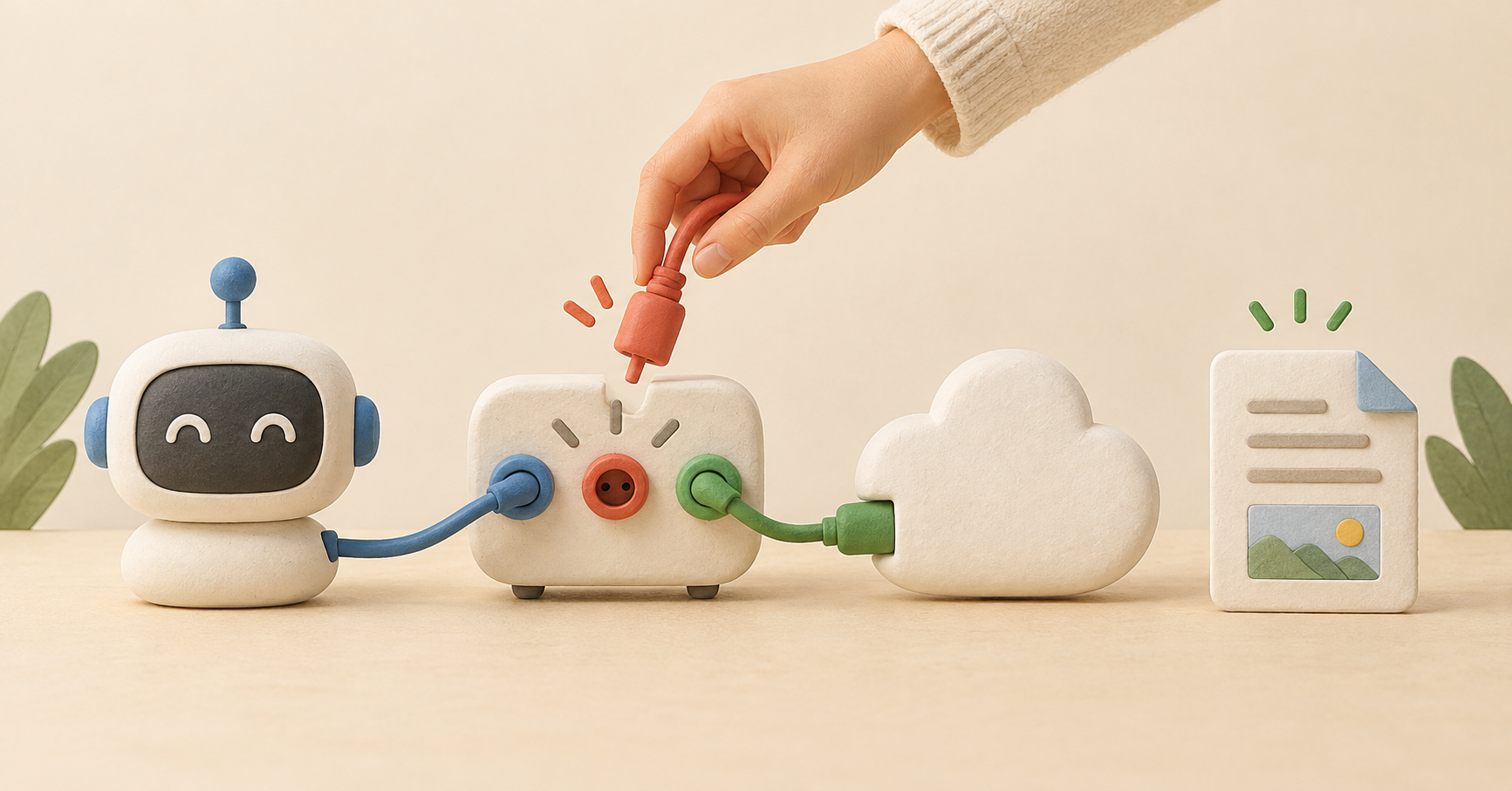
When you stop using an AI integration, identify which connection you want to remove. Your AI's connection to AccountHub and AccountHub's connections to Google or Slack are separate.
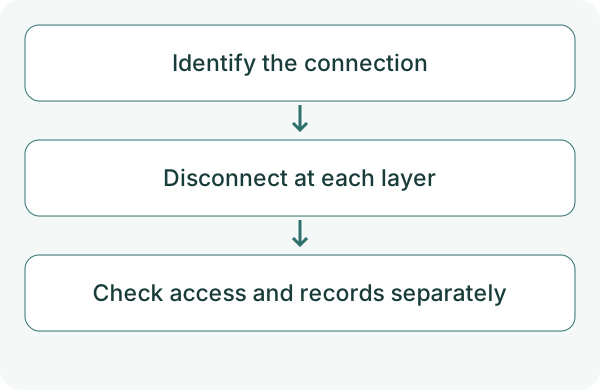
Disconnecting only the AI may leave provider permission in place. List the connections you used and remove the unwanted scope. Disconnection and deletion of stored data are also separate checks.
First compare the alternatives
For a temporary pause, check whether your AI can disable the connection. To revoke provider access, review Google's third-party app management or Slack's app settings.
After deleting an AccountHub service connection, also check provider authorization. Confirm the account and app so you do not remove a permission used elsewhere.
Try a small check
Record the account label, service and AI before removal. Operate only within your administrative rights. Using official settings to check the target is preferable to asking the AI to remove an unidentified connection.
List AccountHub accounts and services. Show labels and available operations so I can identify the connection to remove. Do not delete anything, change permissions or operate on email at this stage.
Check the result
Verify AI disconnection, AccountHub service removal and Google or Slack revocation separately. Follow current official instructions because settings names can change.
If needed, test whether reading through the removed path now fails. That does not verify deletion of stored content. Check chats, memory and local logs at their respective storage locations. Revoking a Slack token and uninstalling an app are separate actions. Removing an AccountHub connection alone does not prove that Google or Slack permissions were revoked.
What to try next
Knowing how to undo a connection helps you choose its scope before testing. If you reconnect, start with one needed service again.
Try one task with the connection guide
Sources
- Google third-party connections
- Slack remove apps
- AccountHub guide
- ChatGPT connected account management
- Slack auth.revoke
---
Draft from the AccountHub team. Not written or approved by Uchiyama. Sample prompts are not results from a personal-account test performed for this article. Features and sources checked on October 13, 2026.
Read the setup guide
The guide has the connection steps and example requests for your AI.
Read the setup guide →