
ACCOUNT HUB BLOG
Published:
Calendar · Google Calendar · Multiple accounts · MCP · ChatGPT · Claude
Find time that avoids work, medical and family events
Written by the AccountHub team.
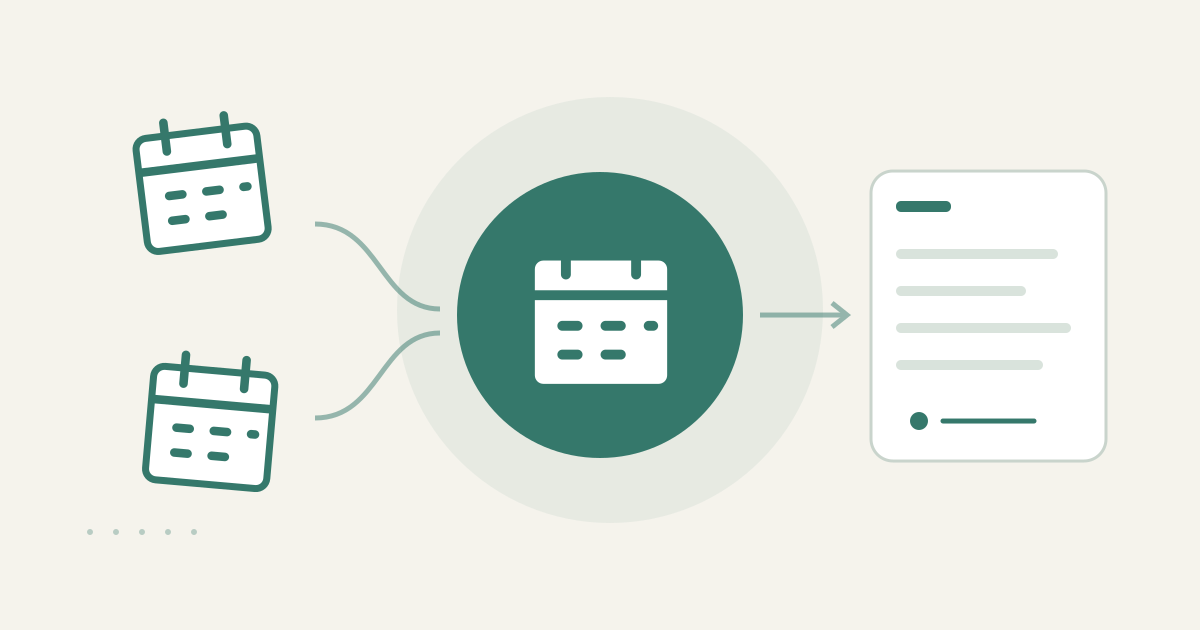
With AccountHub, one request can compare your own work, medical and family Google Calendars and list time candidates that do not overlap, with each calendar kept separate.
The problem
Your work events may be in a company account, medical appointments in a personal account and family plans on a shared calendar. Looking at one calendar's free time can miss an event stored elsewhere. Compare your own calendars over the same date and time range first.
Prepare the search
If Google Calendar's combined view already shows your own calendars, it may be the easiest option. Other people's availability must come from availability they shared or from an agreed proposal. AccountHub helps when you want one request to read several connected calendars and show which calendar contributed to each candidate.
A prompt to paste into your AI
Replace the placeholders with your actual date range, duration and calendar names. Do not ask to expose medical or family details to another person.
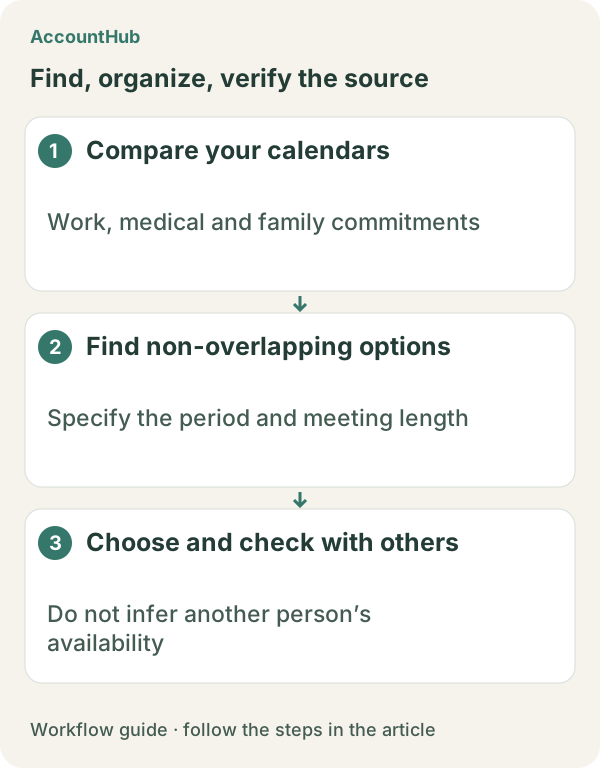
“Using only the Google Calendars I can read, keep [work calendar], [medical calendar] and [family calendar] separate. Find up to five 30-minute candidates during [date range] that do not overlap an event. For each candidate show the time and which calendars were free; name excluded calendars only. Do not reveal event details, infer anyone else's availability or participant constraints, and do not create, change or invite anyone to an event.”
Sample output and limits
An explanatory fictional row could be “Nov 14, 10:00–10:30 / work calendar free / no medical event / family calendar free.” For the real result, open each calendar and check private or all-day events and any time you need for travel. A personal free slot says nothing about a meeting partner's or family's availability.
When native tools are enough
Use native Calendar when one view covers your calendars. Try AccountHub for one actual date range when comparing connected calendars is the friction. Keep event creation and invitations as a separate action you confirm yourself.
Pricing and trial conditions
The pricing page currently describes AccountHub as free with no paid plan sold. The in-app AI trial has a daily limit, and connected services and AI products have separate terms and limits.
Official references: AccountHub pricing https://accounthub.ai/pricing / AccountHub guide https://accounthub.ai/jp/guide / Google Calendar Help https://support.google.com/calendar/
This is an operator's explanation. Verify calendar permissions, event details and other people's availability from the originals.
Start with AccountHub for free. Connect the account you need and try one request through the in-app “Try the AI” entry. To use an external AI assistant, check its connection requirements in the setup guide.
Read the setup guide
The guide has the connection steps and example requests for your AI.
Read the setup guide →