
ACCOUNT HUB BLOG
Published:
Email · Gmail · Multiple accounts · MCP · ChatGPT · Claude
How to find which Gmail account received an invoice
Written by the AccountHub team.
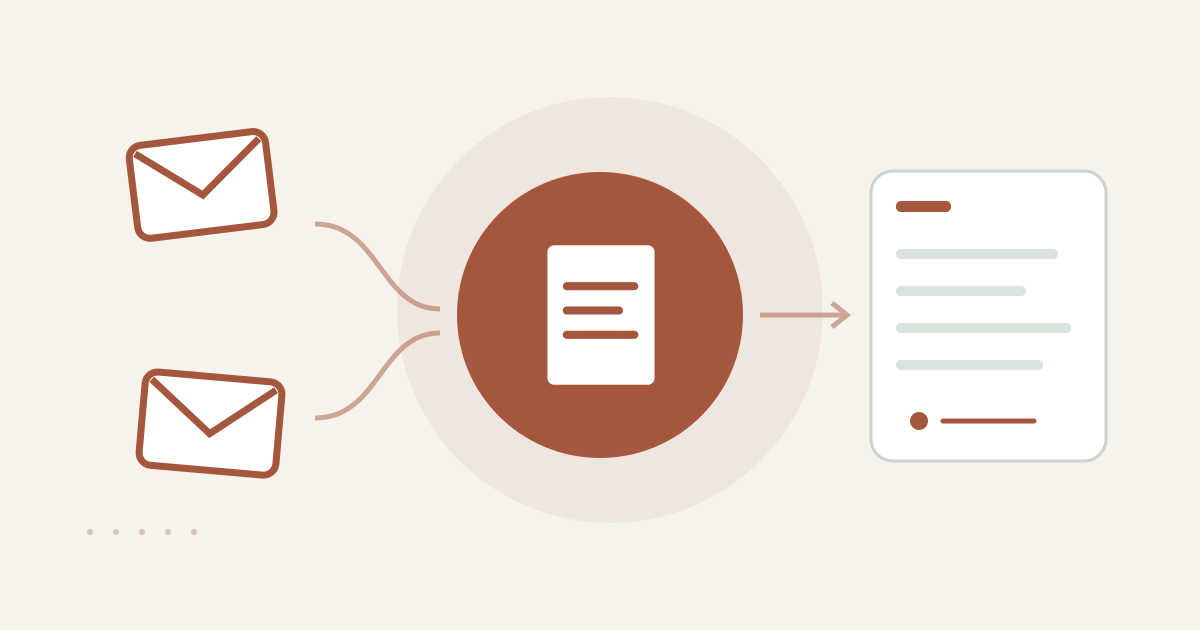
With AccountHub, one request can search several Gmail accounts for invoice candidates and list the source account and original link.
The problem
You need an invoice, but you cannot remember which Gmail account received it. Opening a work inbox, a personal inbox and an older account one by one turns a simple search into account switching. The first goal is to list likely messages and identify their account. It is not to decide whether to pay or how to book the expense.
Prepare the search
If you have one Gmail account and know the sender, subject or approximate date, Gmail's standard search may be enough. Combine the available search conditions and open the original message. When the candidates are split across several accounts, AccountHub can search the connected Gmail accounts from one request.
A prompt to paste into your AI
Follow the AccountHub guide and connect only accounts you own. Use a request like this. Replace [customer] and [date range] with the real customer and period you need to check:
“Search my connected Gmail accounts separately. Find up to ten messages that look like invoices from [customer] received during [date range]. Return the account, date, sender, subject and original message link in separate columns. Do not total charges, decide whether I owe payment, change any email or send anything. Distinguish an account that could not be searched from an account with zero matches.”
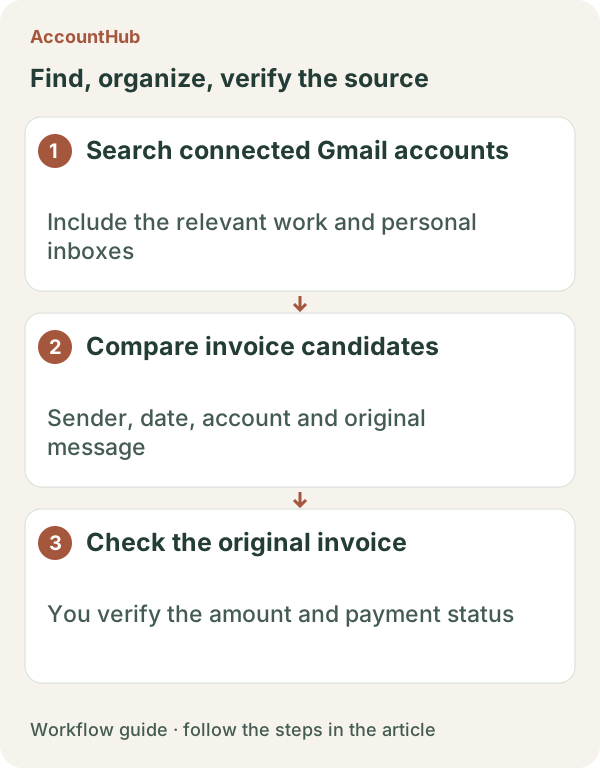
Sample output and limits
A fictional result might be: “Work Gmail / 2026-10-18 / billing@example.invalid / October invoice / original link.” Treat this as a candidate list, not an accounting result. Open the original message yourself and check the recipient, period, attachment and amount. Similar senders, old invoices and forwarded messages may be mixed in.
When native tools are enough
Use native Gmail search when one account is enough. Try AccountHub when repeating the same search across your own inboxes is the tiring part. Start with one known invoice and confirm which account was actually read. Keep candidate collection separate from payment decisions.
Pricing and trial conditions
The pricing page currently describes AccountHub as free with no paid plan sold. The in-app AI trial has a daily limit, and connected services and AI products have separate terms and limits.
Official references: AccountHub pricing https://accounthub.ai/pricing / AccountHub guide https://accounthub.ai/jp/guide / Gmail search https://support.google.com/mail/answer/7190
This is an operator's explanation. Check actual results, AI service terms and connection permissions in your environment.
Start with AccountHub for free. Connect the account you need and try one request through the in-app “Try the AI” entry. To use an external AI assistant, check its connection requirements in the setup guide.
Read the setup guide
The guide has the connection steps and example requests for your AI.
Read the setup guide →