
ACCOUNT HUB BLOG
Published:
Email · Gmail · Multiple accounts · MCP · ChatGPT · Claude
Group hotel and flight confirmation emails by trip
Written by the AccountHub team.
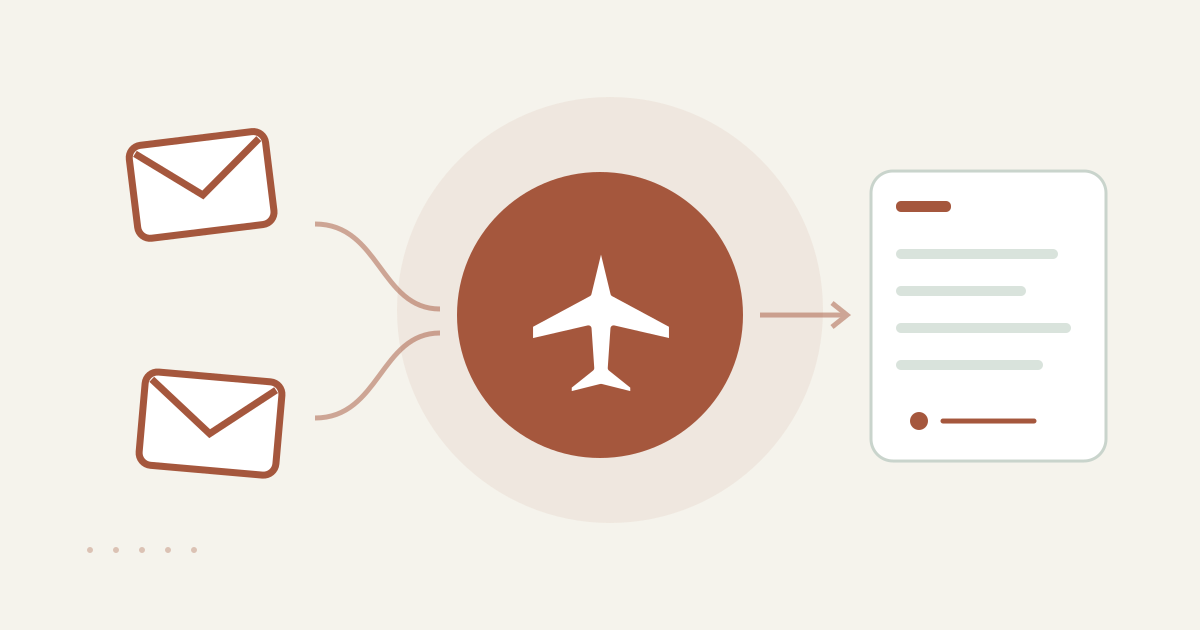
With AccountHub, one request can find hotel and flight confirmation candidates across Gmail and list them by trip, type and source account.
The problem
Before a trip, a hotel confirmation may be in a personal Gmail account while a flight confirmation is in a work account. Finding a booking reference then requires remembering dates, cities and inboxes. A trip-level candidate list can show what to check first, with hotel and flight results kept separate.
When native tools are enough
When you have one trip and know the provider, date or sender, Gmail's native search may be enough. AccountHub is useful when connected Gmail accounts contain different parts of the same trip and you want the source account and original links in one result.
A prompt to paste into your AI
Write down the trip's cities, dates and likely booking services. Connect only your own Gmail accounts through the AccountHub guide and use one of your actual trips and date ranges.Use this prompt:
“Search my connected Gmail accounts separately for hotel and flight confirmation messages related to the trip [trip name]. Search dates [date range], and return up to five candidates of each type. Show trip label, type, provider, received date, subject, any apparent booking reference, original message link and source account. Do not decide whether a booking is active, changeable, paid or confirmed. Do not send or forward anything.”
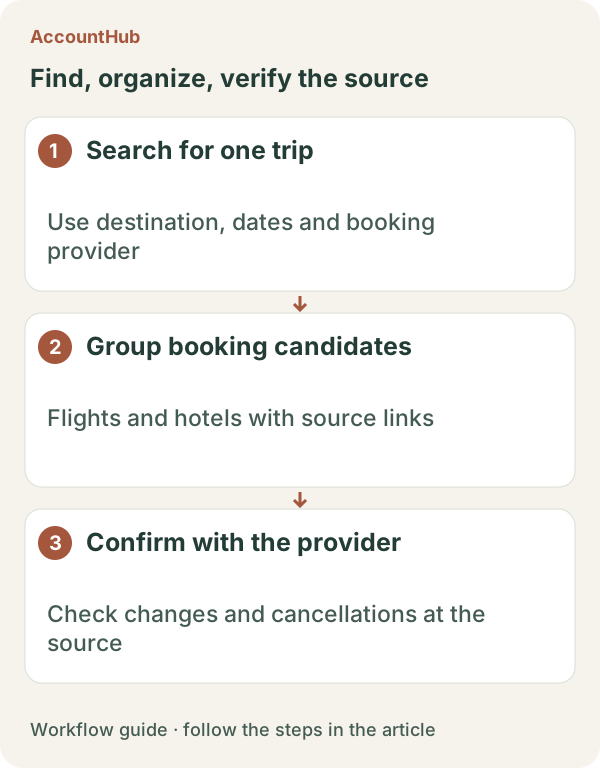
Sample output and limits
A fictional row could be “Autumn Sapporo / flight / Example Air / Nov 5 / apparent reference / original link / work Gmail.” Check any apparent reference against the original message. Current validity, changes, cancellations, payment and the current flight or room must be checked with the booking provider. Older confirmations and pre-change versions may appear.
Review before continuing
Keep native search when it is enough for one trip. Try AccountHub for one read-only collection when the relevant messages are split across accounts. The resulting table is a checking draft; it does not update a booking or send anything to a traveler.
Pricing and trial conditions
The pricing page currently describes AccountHub as free with no paid plan sold. The in-app AI trial has a daily limit, and connected services and AI products have separate terms and limits.
Official references: AccountHub pricing https://accounthub.ai/pricing / AccountHub guide https://accounthub.ai/jp/guide / Gmail search https://support.google.com/mail/answer/7190
This is an operator's explanation. Confirm a booking's current status with the provider.
Start with AccountHub for free. Connect the account you need and try one request through the in-app “Try the AI” entry. To use an external AI assistant, check its connection requirements in the setup guide.
Read the setup guide
The guide has the connection steps and example requests for your AI.
Read the setup guide →