
ACCOUNT HUB BLOG
Published:
Conversations · Gmail · Slack · MCP · Comparison
How to prepare for meetings using email and Slack
Written by the AccountHub team.
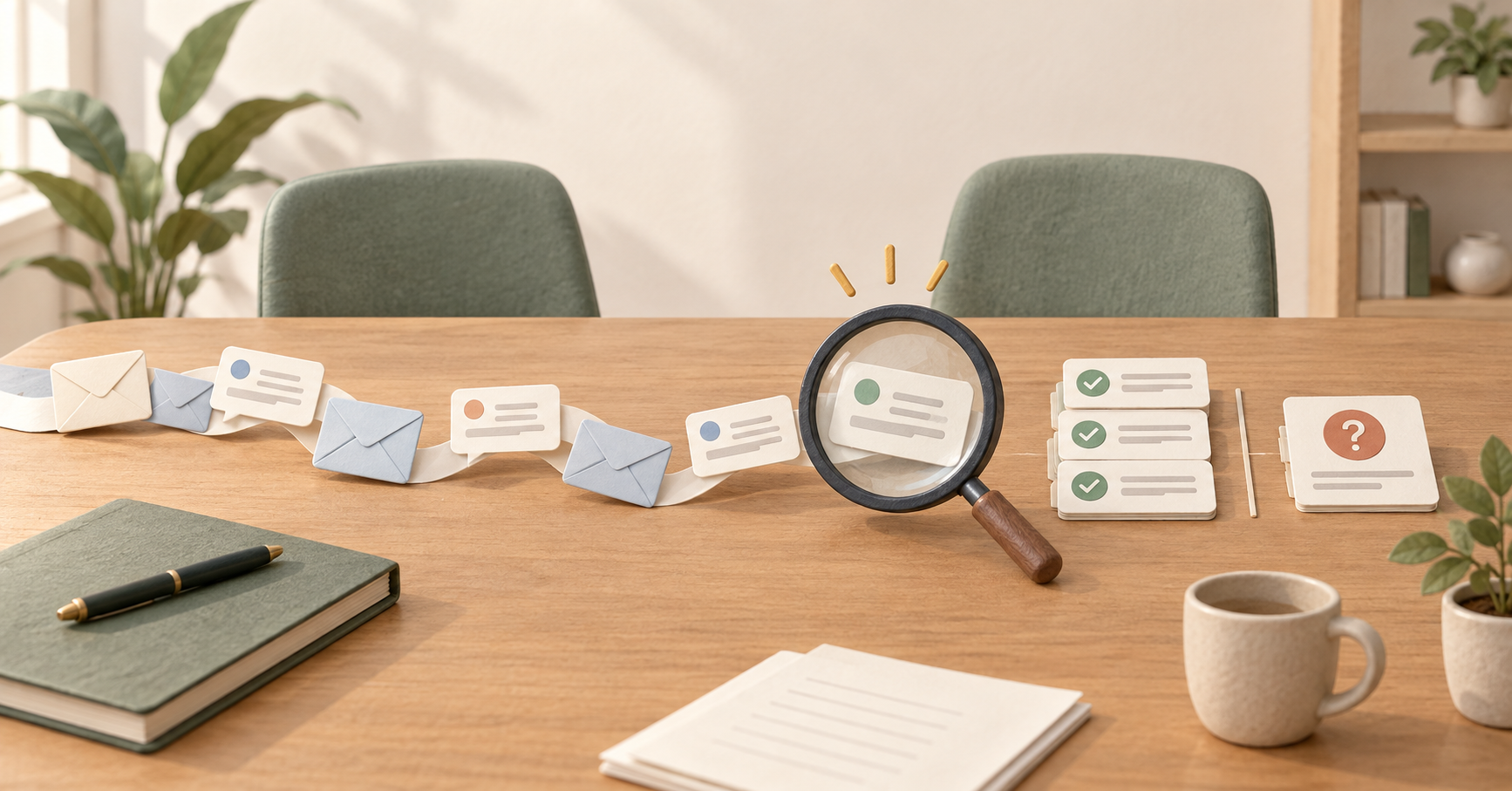
Before a meeting, you want to remember where the previous discussion ended. If the context is split between email and Slack, search both with a specific project term and date range.
Through AccountHub, ask your usual AI to separate the timeline, confirmed decisions and open questions. Use it to prepare references, not to invent the meeting's conclusions.
First compare the alternatives
Read the latest meeting notes or the owner's shared summary first if those are sufficient. Native Gmail and Slack searches also work.
AccountHub is an option when the discussion is scattered and you repeatedly switch apps. This article focuses on a pre-meeting timeline and questions, rather than a morning briefing or saving decisions after a meeting.
Try a small check
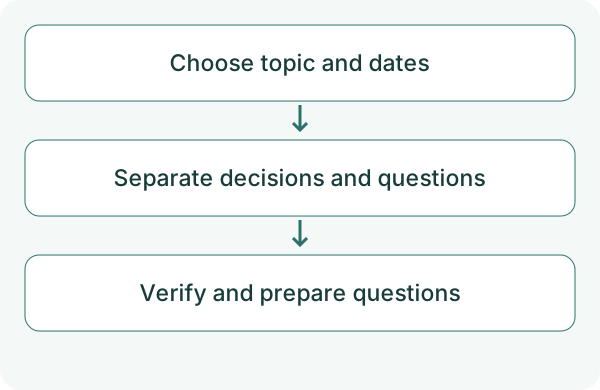
Choose a meeting you participate in and messages you are allowed to read. Specify the topic, people and period, then connect the relevant accounts. The project name below is fictional. Check that a familiar message appears before preparing a briefing.
Slack requires search permission. Check any reconnect notice if an older connection lacks it.
Using the Gmail and Slack sources I specify in AccountHub, find 'website launch' discussions from October 1 through October 12, 2026. Separate the timeline, decisions supported by original messages and open questions. Include source, date and links where available. Put AI inferences in a separate section. Do not send a document, post to Slack or save memories.
Check the result
The newest message is not necessarily an approved decision. Check whether the original shows agreement. Keep conflicting statements and turn them into questions to clarify in the meeting.
Distinguish no matches from inaccessible sources. Do not imply that private messages you cannot access were checked. Reducing the result to a few questions can make it more useful as meeting preparation.
What to try next
First check whether it correctly organizes context you already know. If the summary leads back to originals, try the same request for your next meeting.
Try one task with the connection guide
Sources
---
Draft from the AccountHub team. Not written or approved by Uchiyama. Sample prompts are not results from a personal-account test performed for this article. Features and sources checked on October 13, 2026.
Read the setup guide
The guide has the connection steps and example requests for your AI.
Read the setup guide →