
ACCOUNT HUB BLOG
Published:
Conversations · Slack · MCP · OAuth
What to review before AI sends a Slack reply
Written by the AccountHub team.
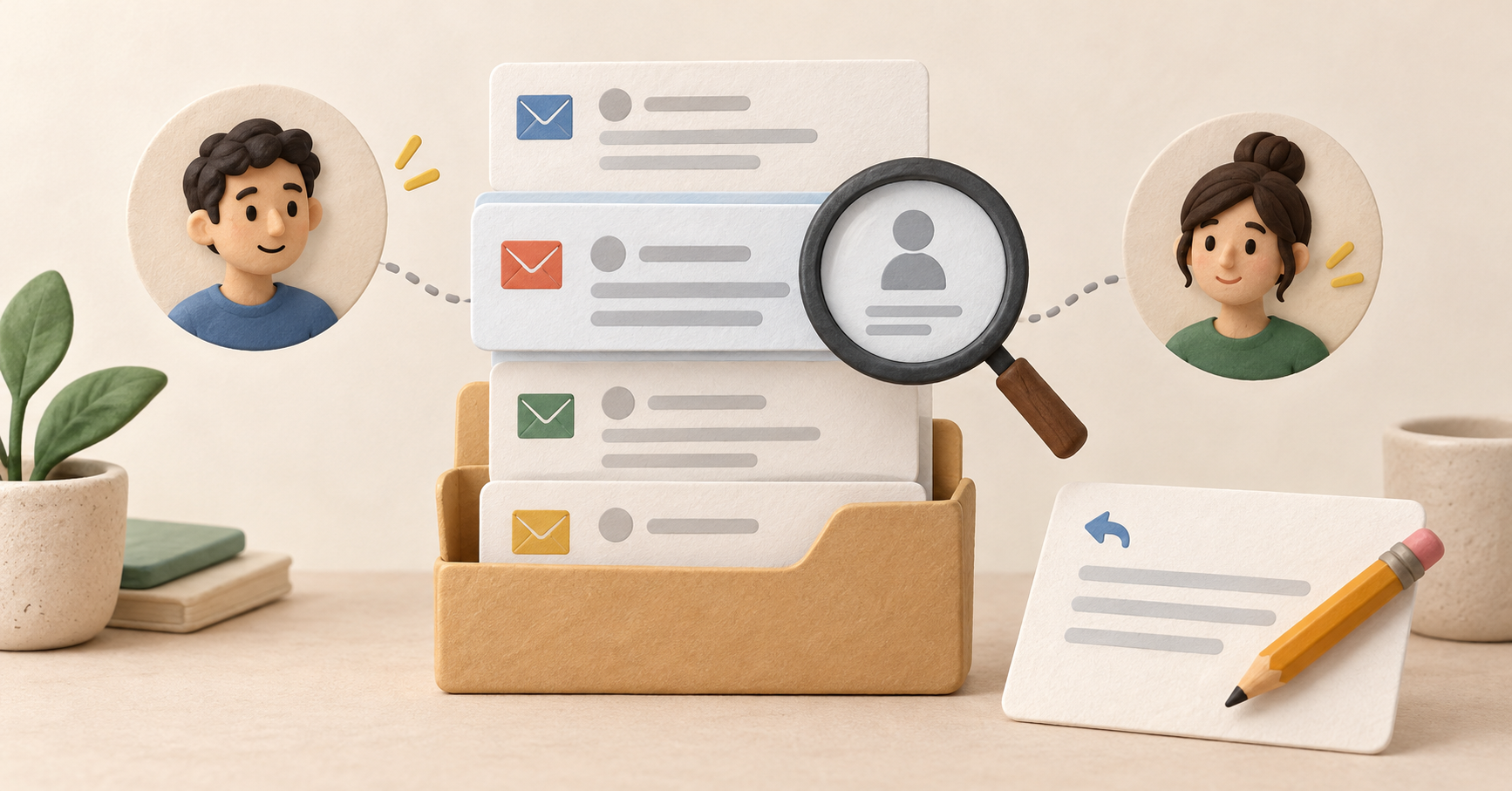
When AI drafts a Slack reply, check where it will go and who will post it as well as the wording. Correct text in the wrong workspace or thread is still a problem.
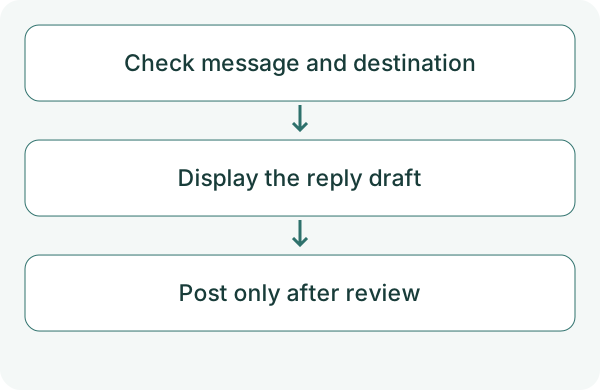
For posting through AccountHub, verify the connection and destination. First display the draft in the conversation and compare it with the original before continuing.
First compare the alternatives
You can draft with AI and paste the reply into Slack yourself. That is sufficient if you want to keep final delivery manual.
Posting through AccountHub is a separate action and permission from search. Search access does not establish posting access. Check whether delivery uses a bot or user and any channel membership requirements.
Try a small check
Select one original message and identify its workspace and conversation. Open its reference yourself if it is unclear. Do not post in the first test. Review personal and sensitive information too.
Use AccountHub to check the Slack message I specify and display a reply draft in this conversation. Identify workspace, channel or DM, reply thread and posting identity where known. Ask about an ambiguous destination. Do not post to Slack yet. Do not add commitments absent from the original.
Check the result
Verify the original and whether the reply belongs in its thread rather than as a new message. Keep identity or permission explicitly unverified if unknown.
Before actual posting, separately review destination and content. Check the result in Slack afterward. If delivery is uncertain, inspect the result before retrying to avoid duplicate posts. Whether a post appears as the user or a bot depends on the connection and posting permission. Private channels require bot membership; public channels have a permission-based exception allowing posting without membership.
What to try next
Review the draft against the original and destination first. You can use wording help alone and add delivery checks later if you want to delegate posting.
Try one task with the connection guide
Sources
---
Draft from the AccountHub team. Not written or approved by Uchiyama. Sample prompts are not results from a personal-account test performed for this article. Features and sources checked on October 13, 2026.
Read the setup guide
The guide has the connection steps and example requests for your AI.
Read the setup guide →